Contact Details
Use the feature to call your banking service for any customer care-related queries, technical support requirements, inform a stolen card issue, and bill payment assistance.
Menu path: Online Banking
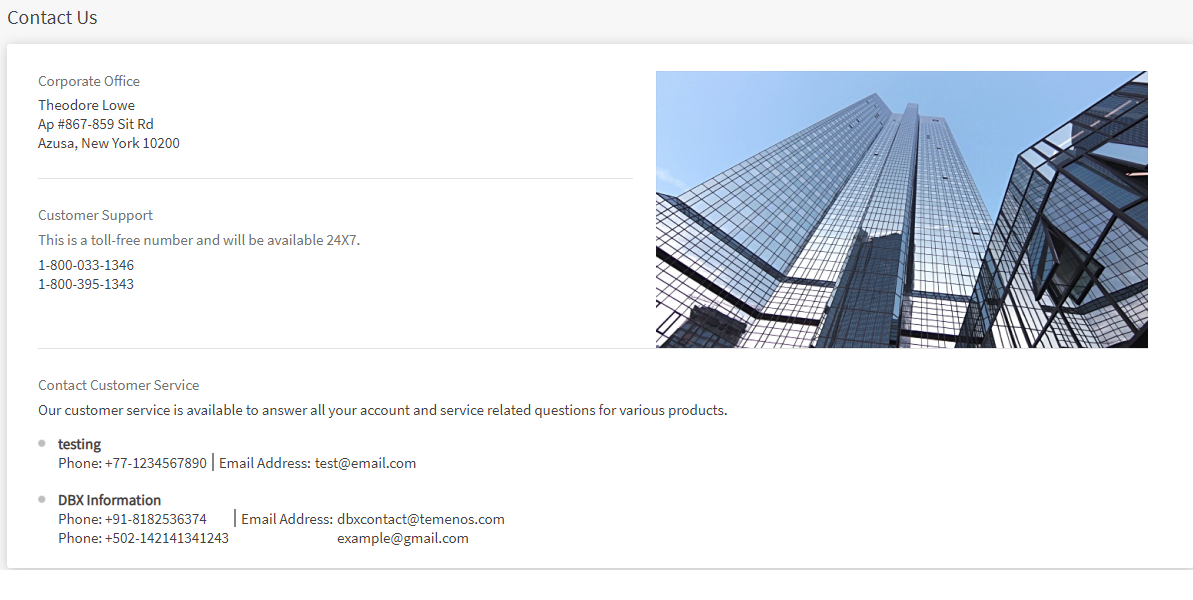
From the side menu, you can click About Us > Contact Us. Alternatively, you can click Contact Us from the footer of the login page and any page displayed after you login to the application. The app displays the Contact Us screen.
Menu path: Mobile Banking
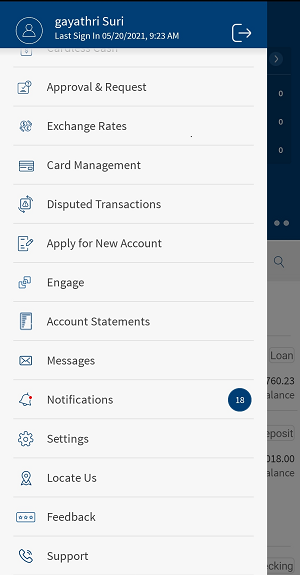
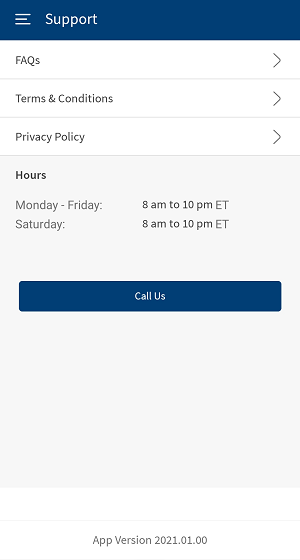
From the bottom menu, tap Menu > Support. Alternatively, you can tap Support from the footer of the login page. The app displays Support screen with FAQs, Terms and Conditions, Privacy Policy, Bank Timings and Call Us option.
Online Banking
It contains the contact details of the bank like phone number, email ID and the address of the bank.
The contact information is provided based on the services provided by the bank such as if you have any queries related to your credit card, you can contact the bank's credit card department using credit card service contact information.
Mobile Banking
Tap Call Us if you want to contact the bank.
In this topic
