Print Account Transactions
Use the feature to view and print the entire transaction details of an account or the details of a specific transaction. This feature is available only in online banking application.
From the Accounts screen, click the required account.
Print entire Account Activity
Use the feature to print the transaction activity of the entire account.
On the Account Details screen, click the Print icon in the Transactions section.
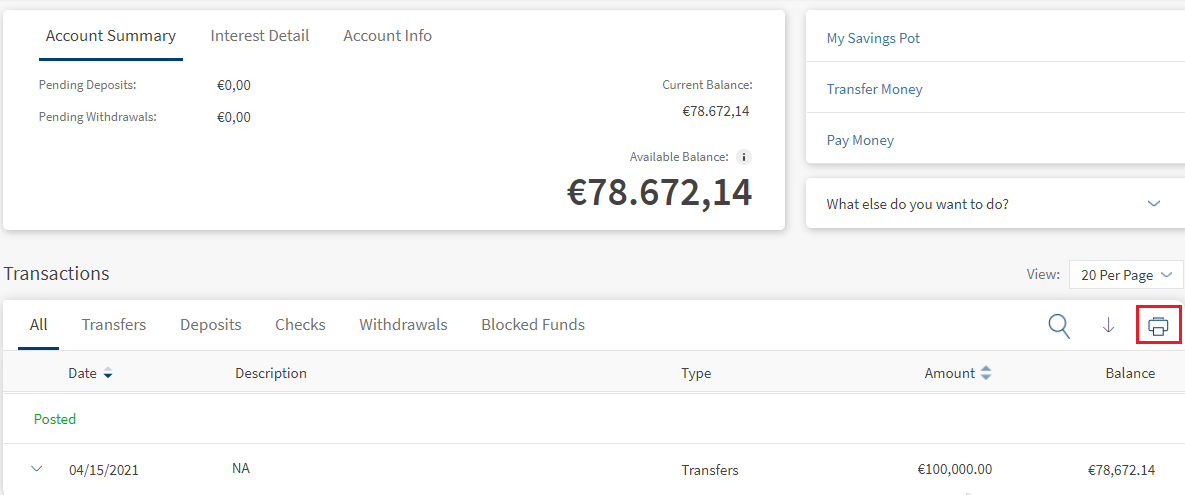
The app displays the print preview screen. Specify the required details, and click Print. The app prints the transaction activity of the entire account.
Print an Individual Transaction
Use the feature to print the details of a specific transaction. You can print the details of a transaction from any of the tabs in the Transfers section: All, Transfers, Deposits, Checks, and Withdrawals.
On the Account Details screen, click to expand the required transaction and then click Print.
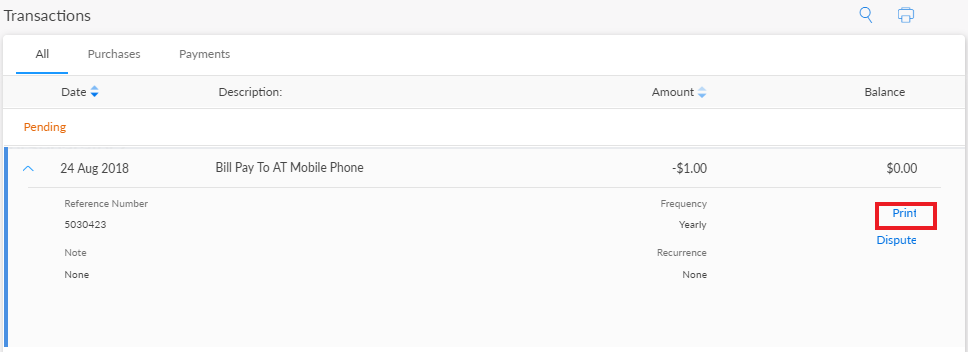
The app displays the print preview screen. Specify the required details, and click Print. The app prints the transaction details.
In this topic
