Override Processing
Overrides are warning messages that are displayed to the user while committing the record/transaction in the Transact. The user can either accept or reject these overrides. The override details are stored in the respective transaction/record in Transact, if they are accepted. If the override is not accepted, the transaction/record will be on hold status. The user can modify the record and recommit.
NOTE: Overrides are applicable only for the transactions that are integrated with Transact core banking system.
The overrides can be configured as below types in Transact:
- Auto - Auto overrides are accepted automatically without the user's consent.
- Error - Overrides raised as errors
- Message - Overrides raised as notifications.
- Warning - Overrides raised as warnings.
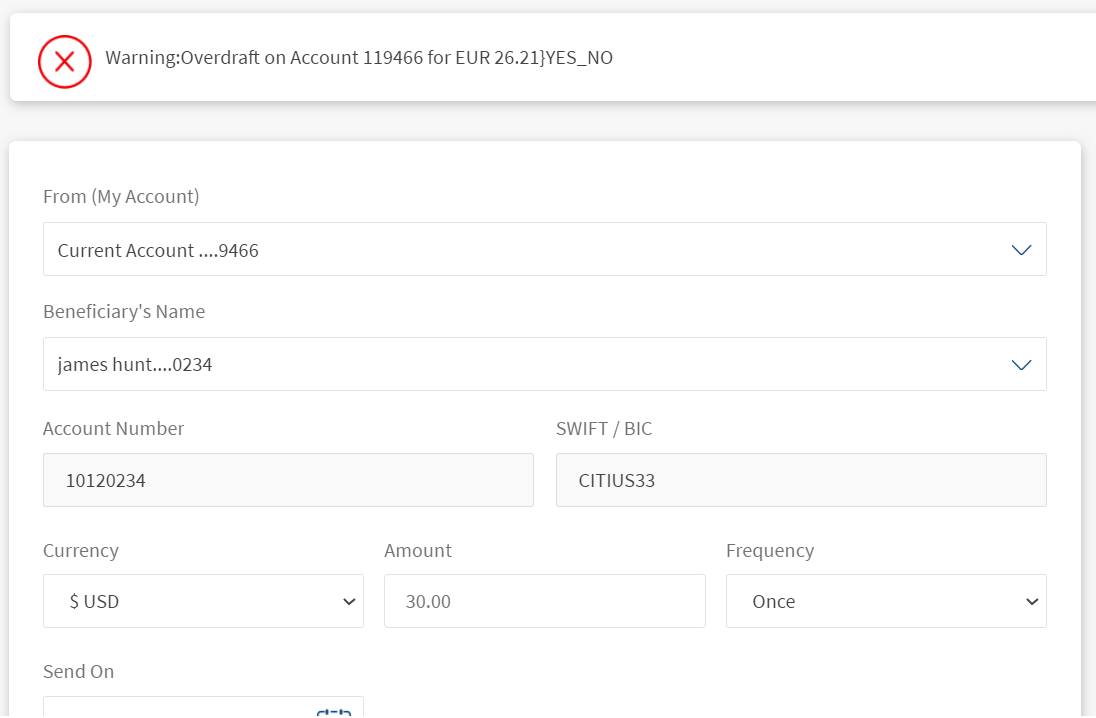
Warnings accept inputs from the user but will not stop the transaction.
The overrides in Transact applications can be configured for Infinity channel with the equivalent messages. Depending on the configuration in Transact, while initiating a transaction the override appears as a warning or error to the user.
- In case of error, the user cannot proceed with the payment processing.
- In case of warning, user can proceed to submit the payment.
The below table relates the Transact setting of override to the message type displayed on Infinity:
|
Override Setting in Transact |
Message Type in Infinity |
|---|---|
|
Blank, Error or Warning |
Error |
|
Auto or Message |
Alert or warning |
The following are the use cases that describe various scenarios of displaying override messages to the user:
Use case 1: The type is set as Auto in Transact. An International payment created with a charge not allowed for international transaction.
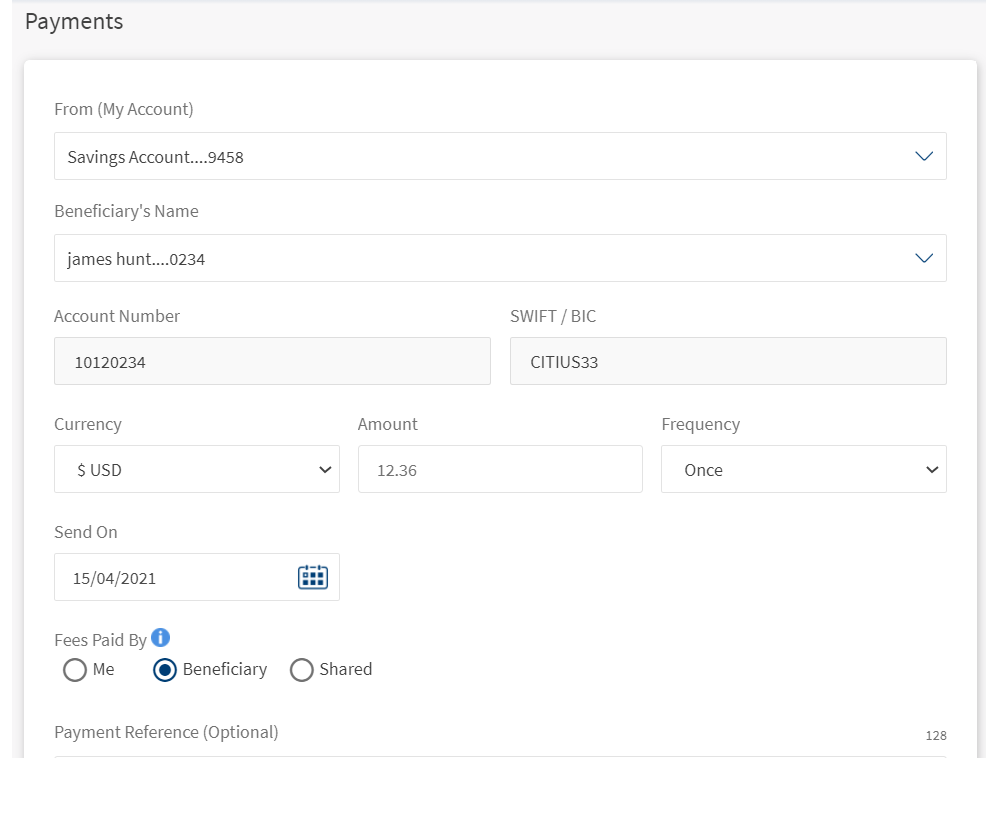
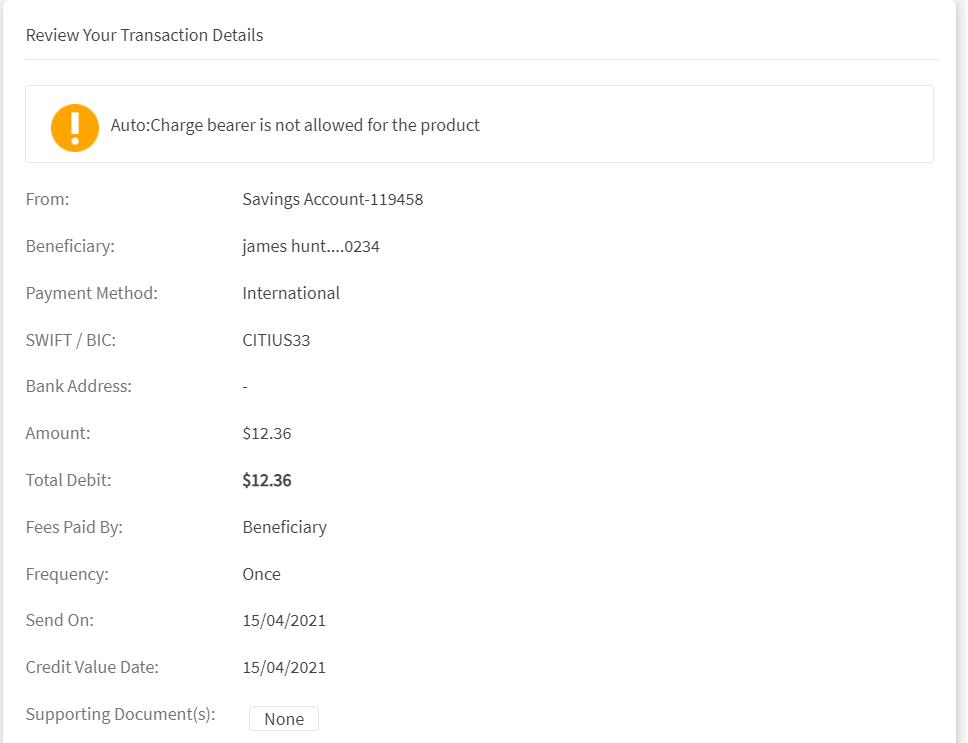
Use case 2: The type is set as a Message in Transact. Create a same bank payment with insufficient funds.
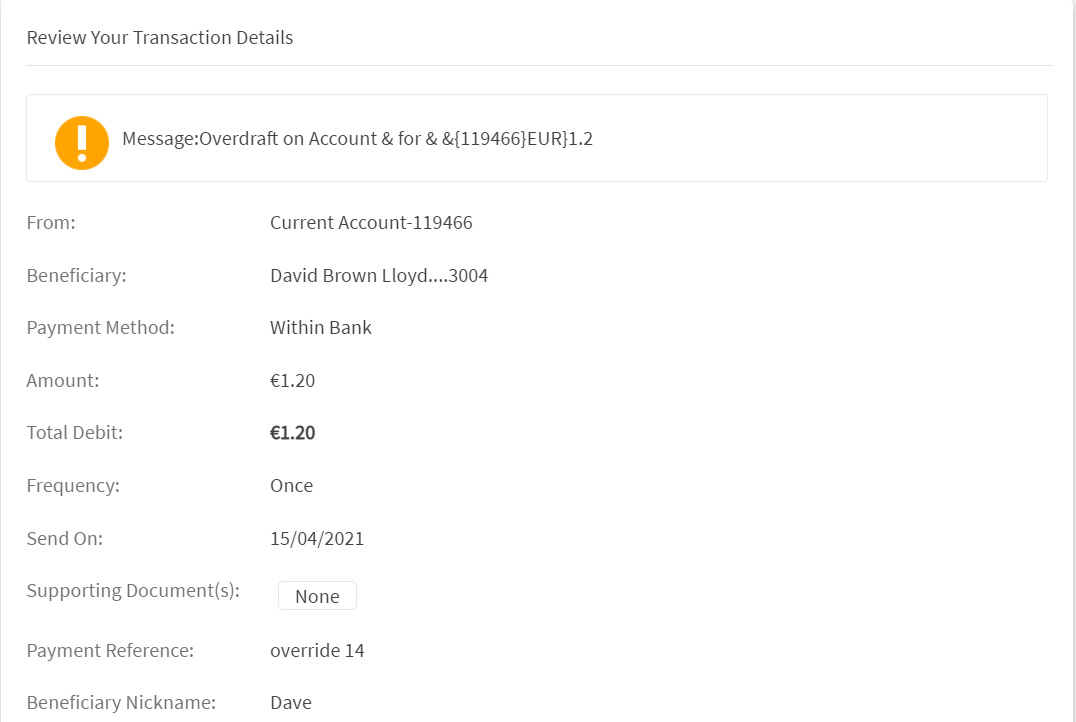
Use case 3: The type is not set (blank) in Transact. Create a transfer with zero-balance account.
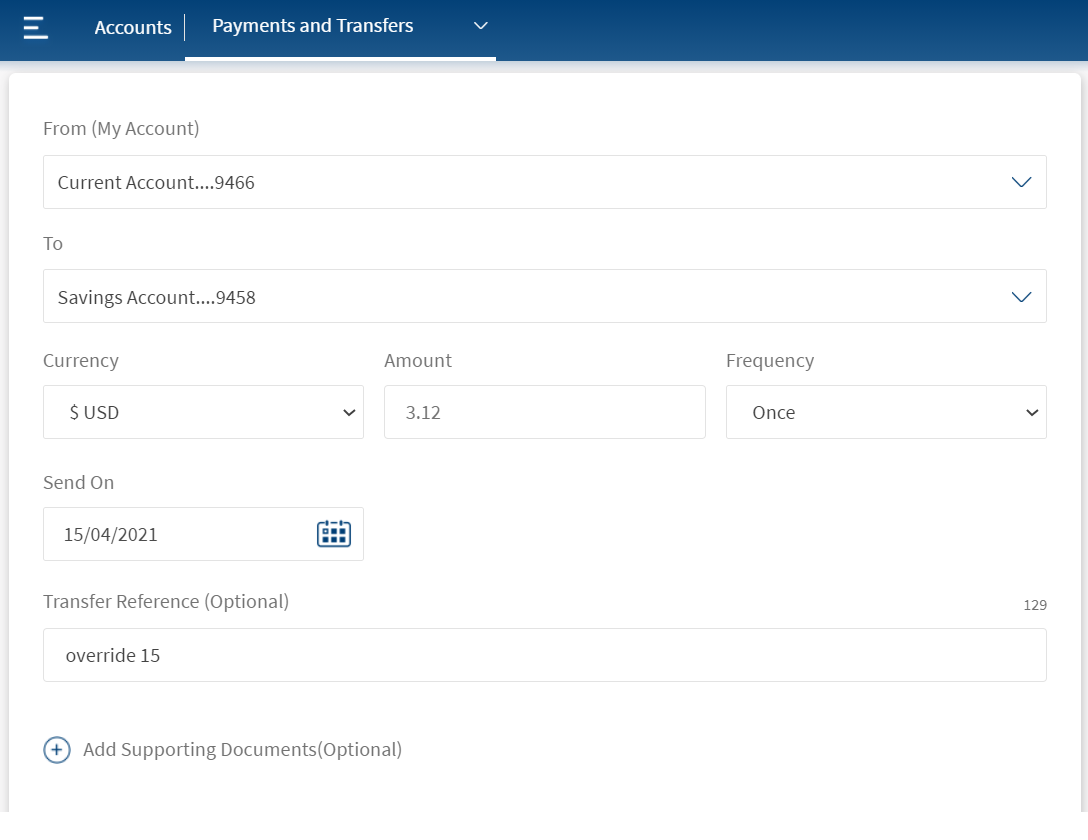
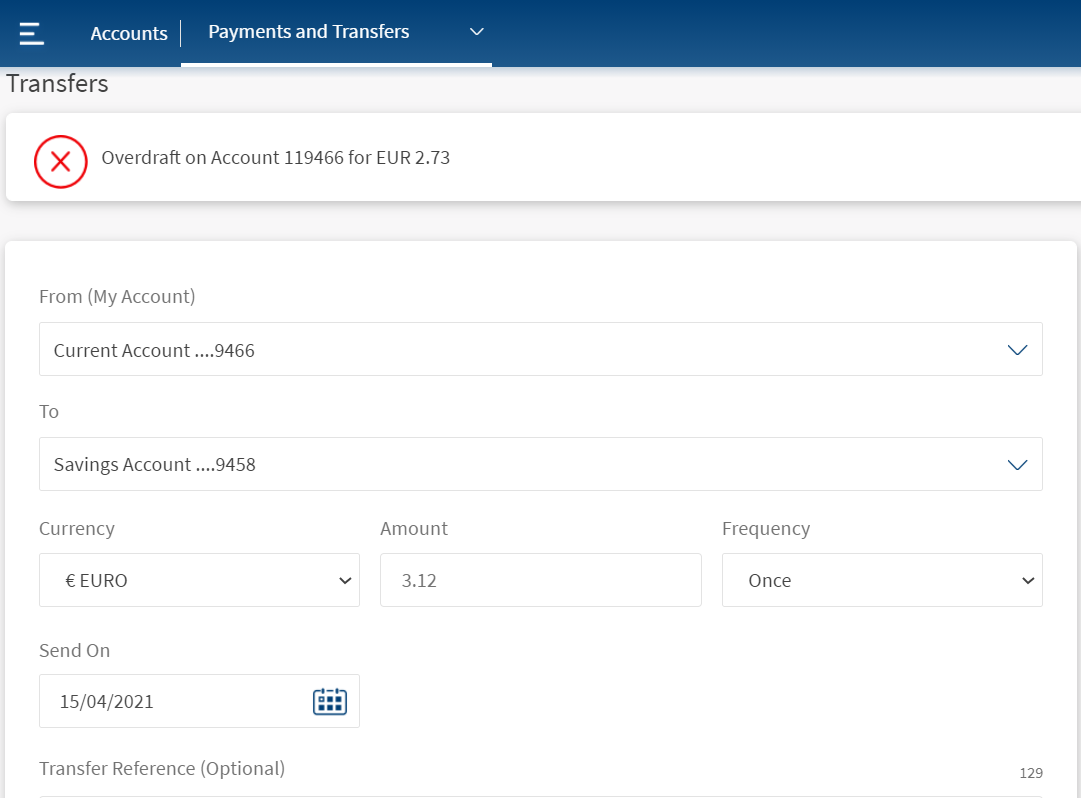
Use case 4: The type is set as Error in Transact. Create a transfer with zero-balance account.
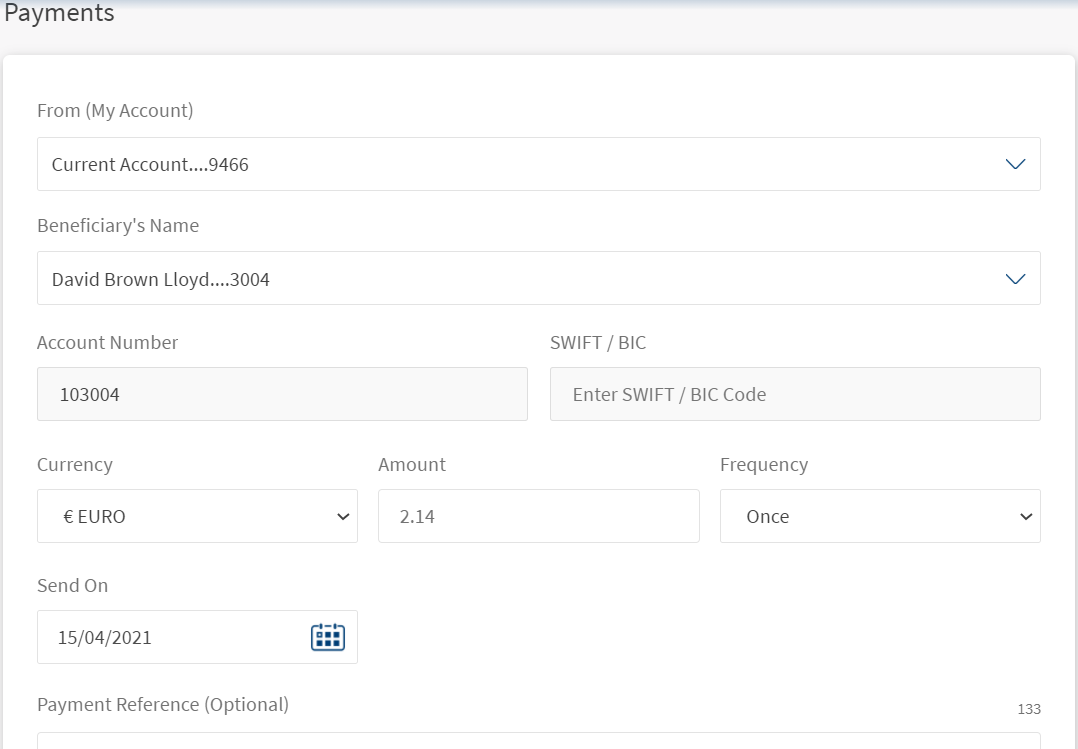
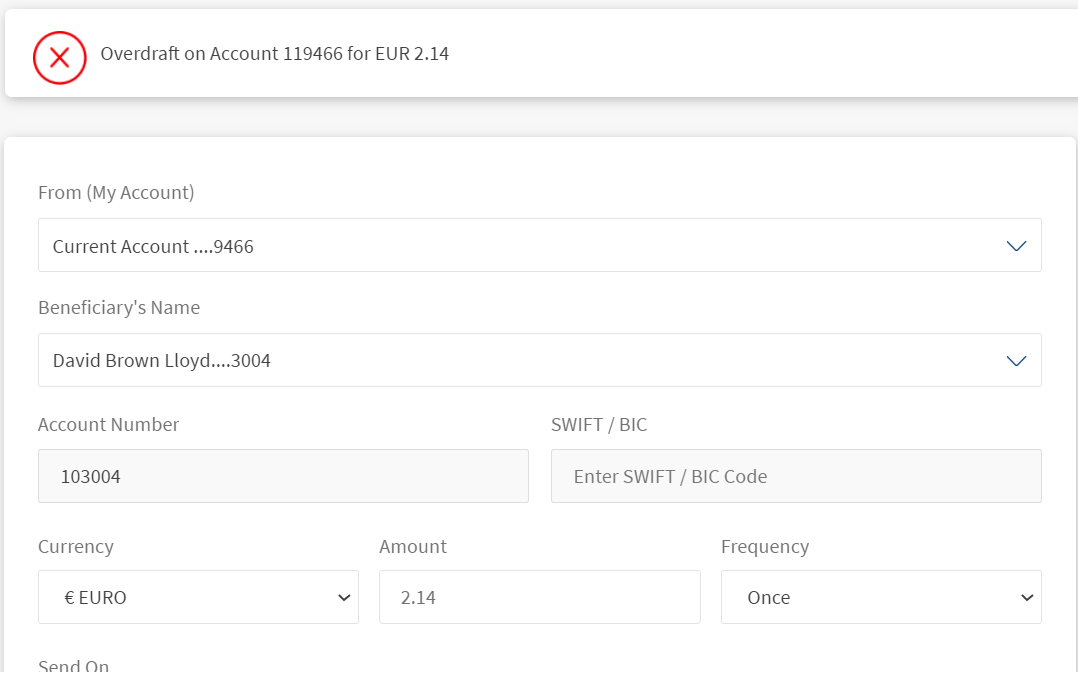
Use case 5: The type is set as Warning in Transact. Create a transfer with zero-balance account.
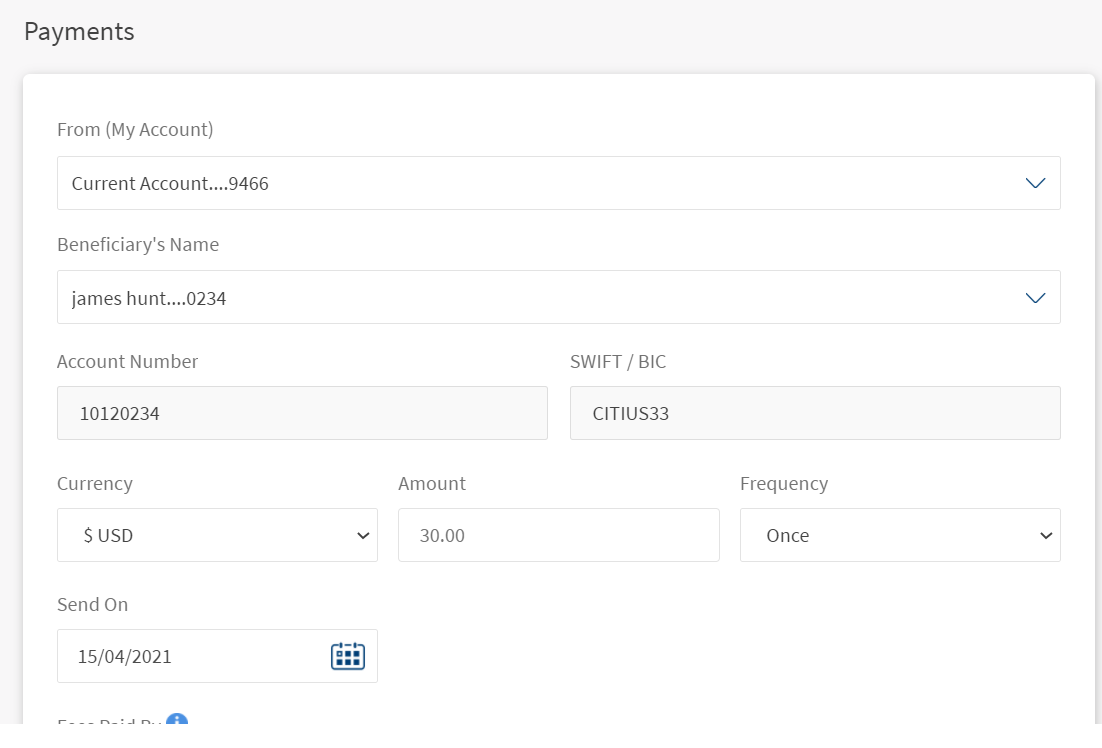
In this topic
