Remote Deposit Capture
Use the feature to deposit a check using your mobile device, view a list of completed check deposits and pending check deposits. The Remote Deposit Capture (RDC) module is available only in mobile banking application (phone and tablet).
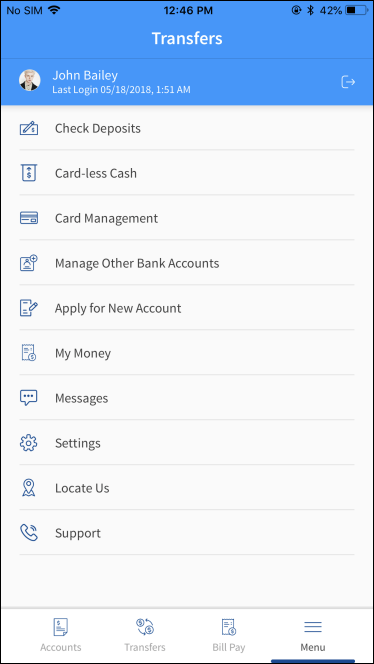
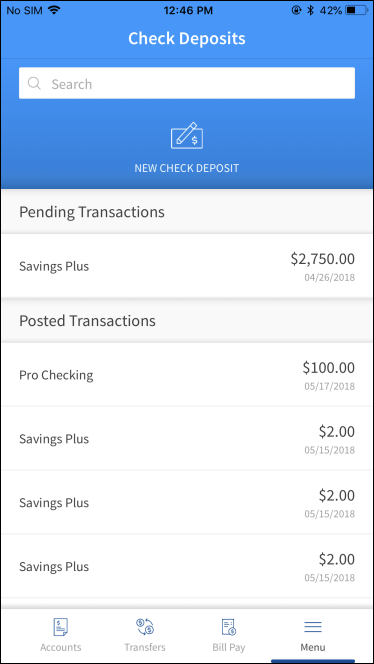
From the bottom menu, tap Menu > Check Deposits. If you are using a tablet, you can tap Deposits on the bottom menu. The app displays the Check Deposits screen.
You can do the following:
- Tap New Check Deposit to initiate a Remote Deposit Capture.
- View the list of last 10 successful check deposits in Posted Transactions. You can tap any recent deposit to view its in-depth details.
- View the last 10 pending check deposits in Pending Transactions. You can tap any pending deposit to view its in-depth details.
In this topic
