Taxation Interface to CPB SECTRAS Installation Guide
This document aims at explaining the installation procedures required to install this package successfully in Temenos Transact. The scope of the document is to cover the release mechanism of the package.
When transferring the pack via FTP the transport method must be set to binary.
System Requirements
The following are the pre-requisites for installing this package.
- Jdk 1.8
- Temenos Transact.
General Considerations
General considerations are detailed below.
 For DESCTX_SectrasIncoming.zip
- Extract the zip file.
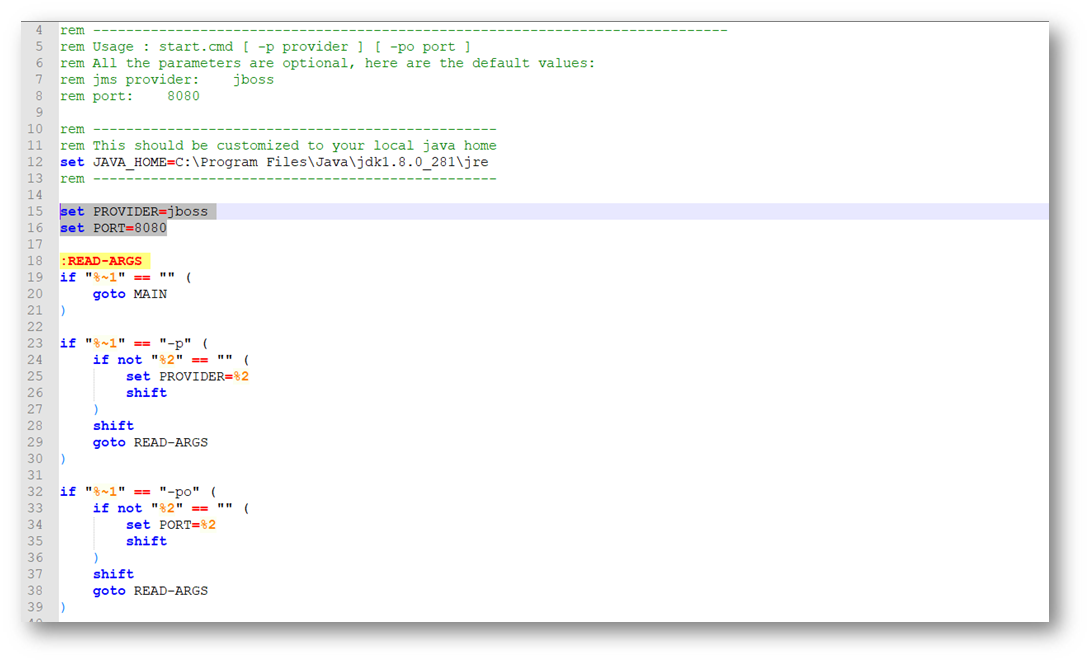
- In start.cmd file, set the following details:
- JAVA_HOME variable: points to java jdk location. E.g: C:\java\jdk8\jre.
- PROVIDER variable: contains the queue broker name. It accepts the following values: jboss, ibmmq, activemq, amazonmq, weblogic.
- PORT variable: can be any available port number to be used by the package.

- If the above values are not set, then the following values will be defaulted:
- PROVIDER=jboss
- PORT=8080
- Open the respective application properties for the queue broker type and set the JNDI values. For example, if queue broker is jboss, we need to open application-jboss.properties and set the values.
 For DESCTX_SectrasOutgoing.zip
- Extract the zip file.
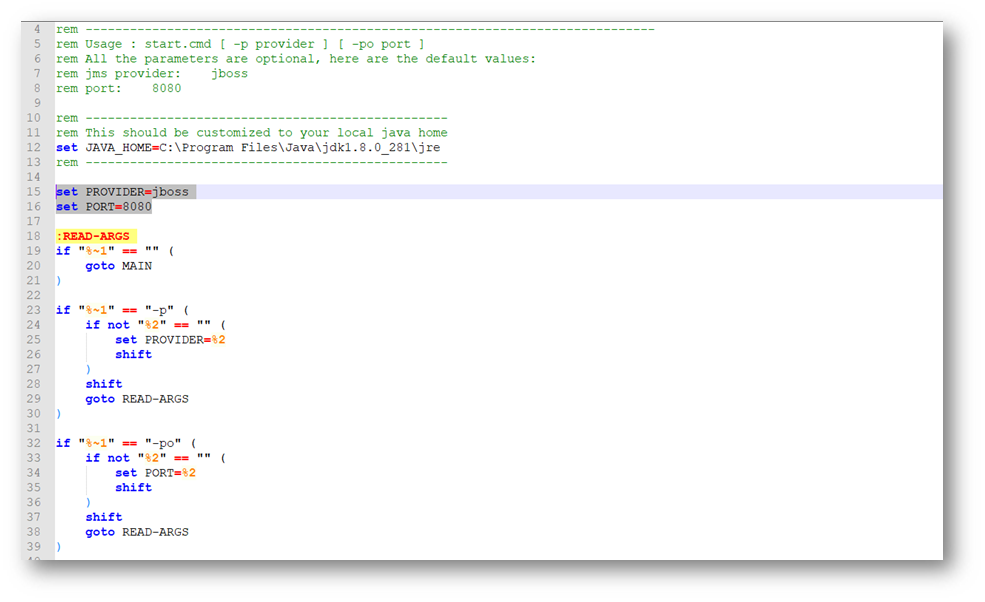
- In start.cmd file, set the following details:
- JAVA_HOME variable: points to java jdk location. E.g: C:\java\jdk8\jre.
- PROVIDER variable: contains the queue broker name. It accepts the following values: jboss, ibmmq, activemq, amazonmq, weblogic.
- PORT variable: can be any available port number to be used by the package.

- If the above values are not set, then the following values will be defaulted:
- PROVIDER=jboss.
- PORT=8080.
- Open the respective application properties for the queue broker type and set the JNDI values. For example, if queue broker is jboss, we need to open application-jboss.properties and set the values.
 For SectrasSecuritiesTaxation.zip
This section aims at explaining the installation procedures required to install the DESCTX_SectrasTaxation package for inward, outward file message processing and securities processing.
- Extract the tar file in the required path using the following command:
“ tar –xvf <Package name>.tar”
- Ensure that “JAVA_HOME” environmental variable is set.
- In start.sh file, set the following details.
- Please ensure the line separator is “LF” for linux and unix environments.
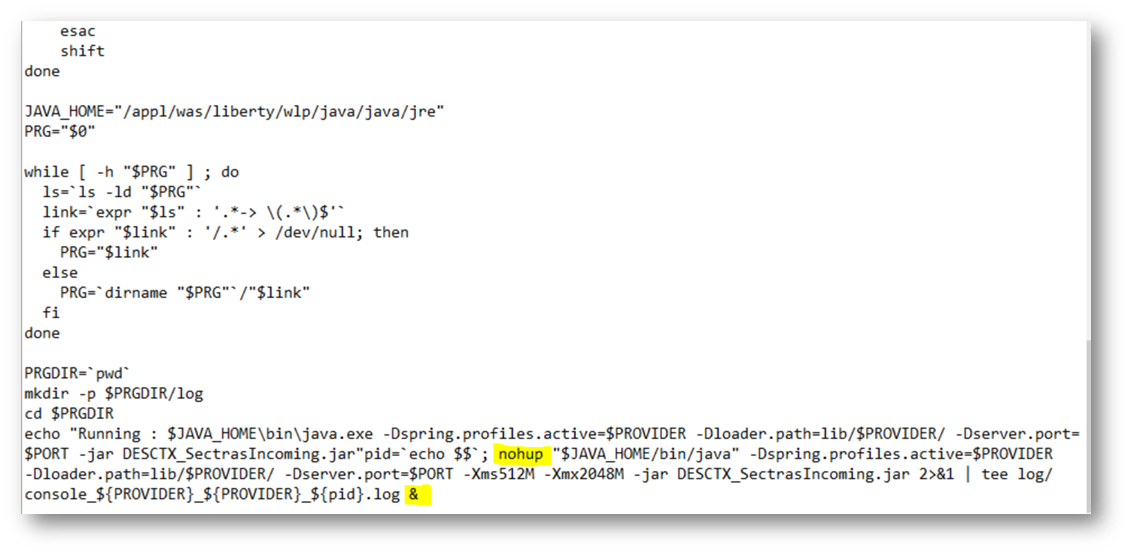
- To run the script in background, include the following commands in the start.sh.

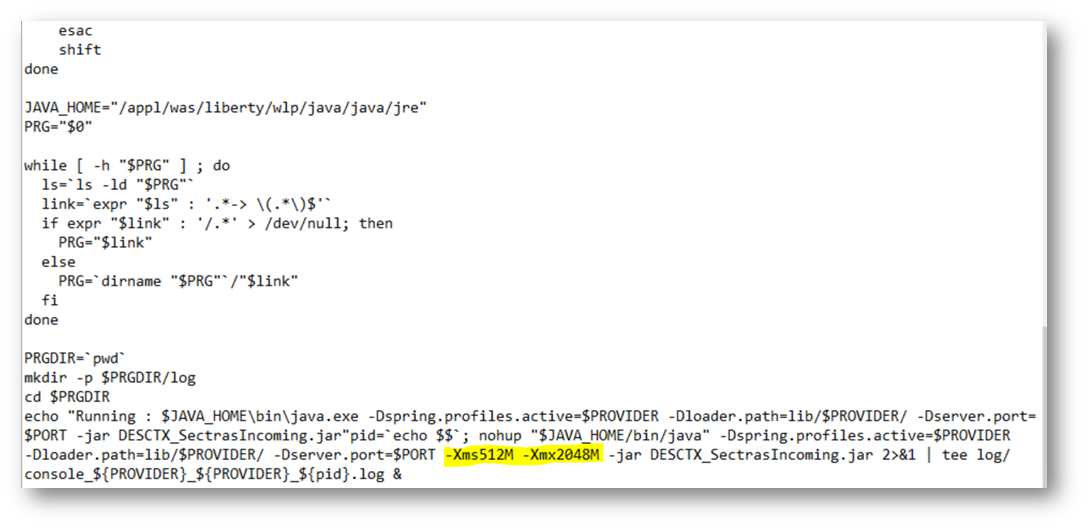
- To set the min and max heap size, include the below commands in start.sh.

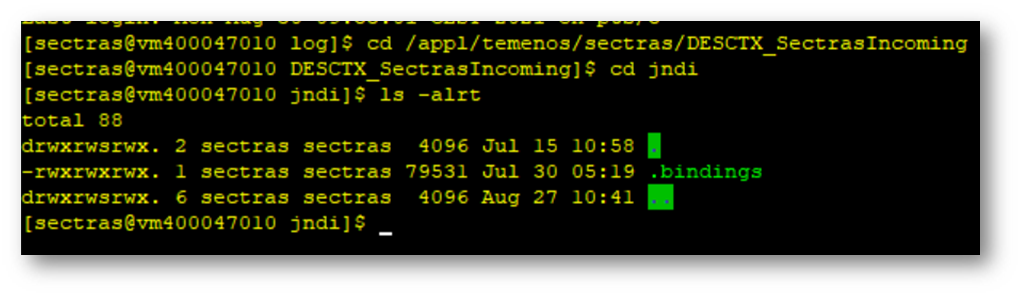
- Place the IBM MQ Bindings file in the jndi folder of the package.
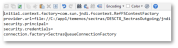
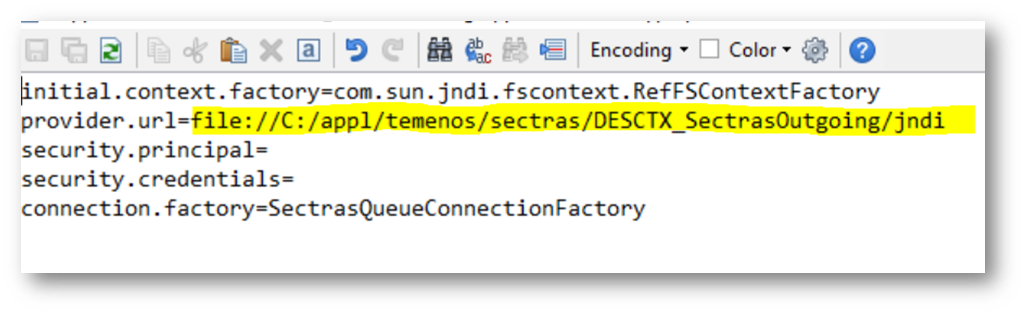
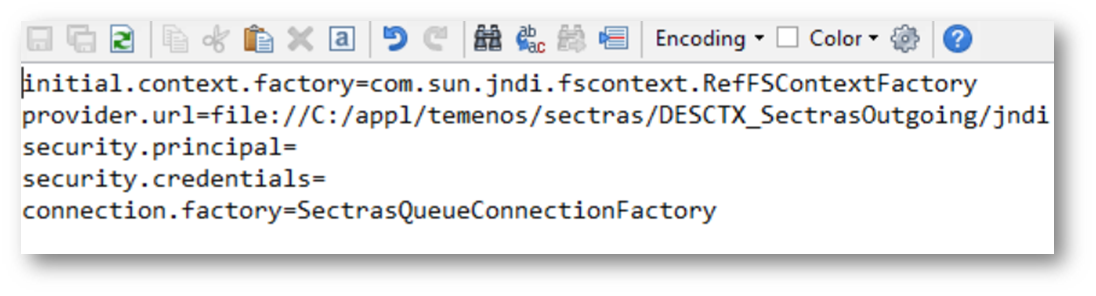
- To connect with IBM MQ, set the following in application-ibmmq.properties file.
- Provide URL should point to IBM MQ Bindings file location.
- Other properties in the file should be set according to the bindings file.
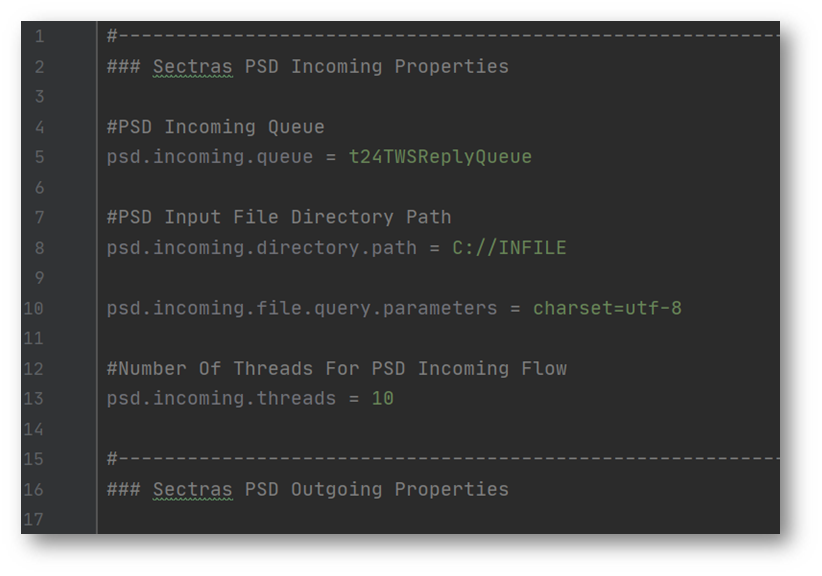
- Set the required properties in the application.properties file.

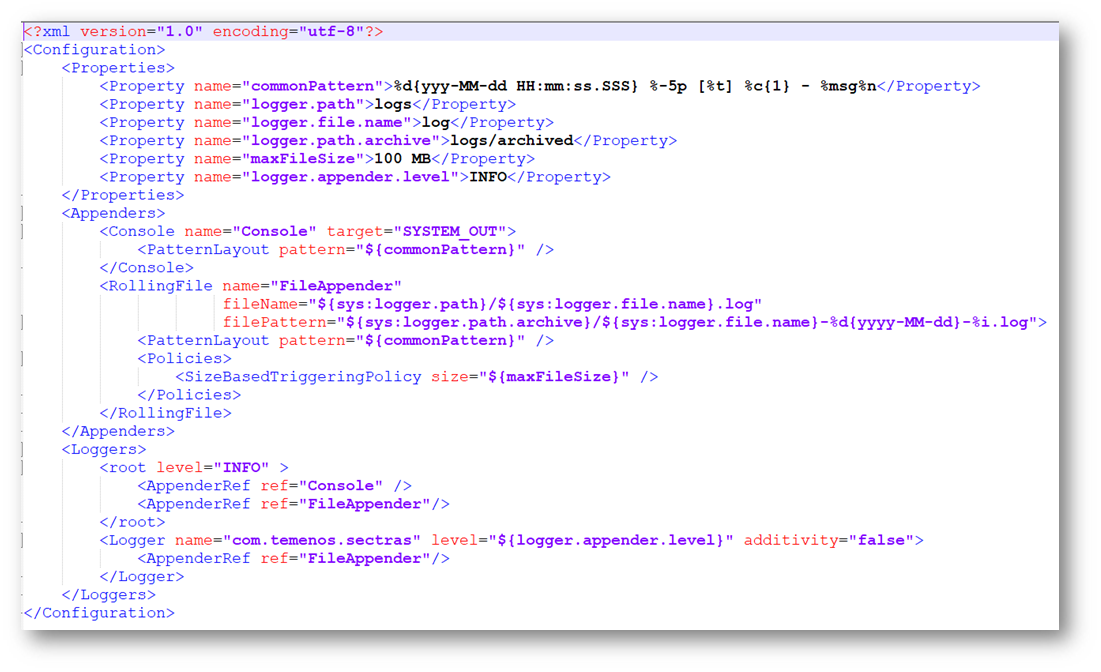
- Set the logging properties in “../DESCTX_SectrasTaxation/log4j2.xml”.

Contents of the Package
The package contains the following.
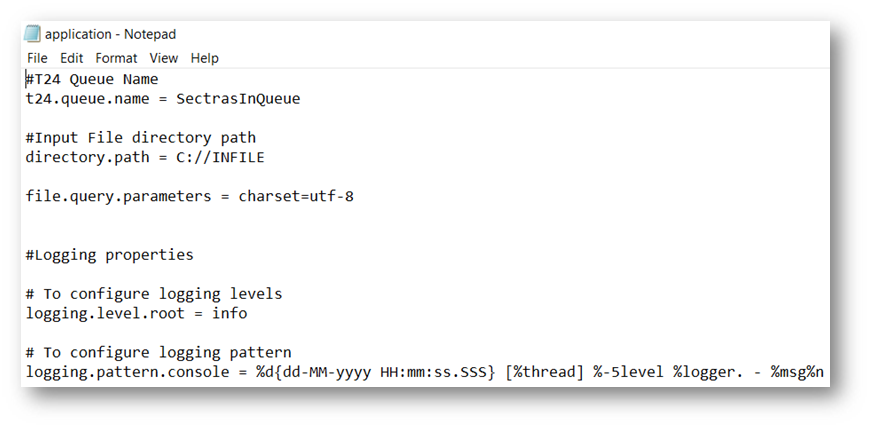
DESCTX_SectrasIncoming Components
- Application.properties:
- t24.queue.name: Internal queue where message is uploaded.
- directory.path: Folder path of incoming file.

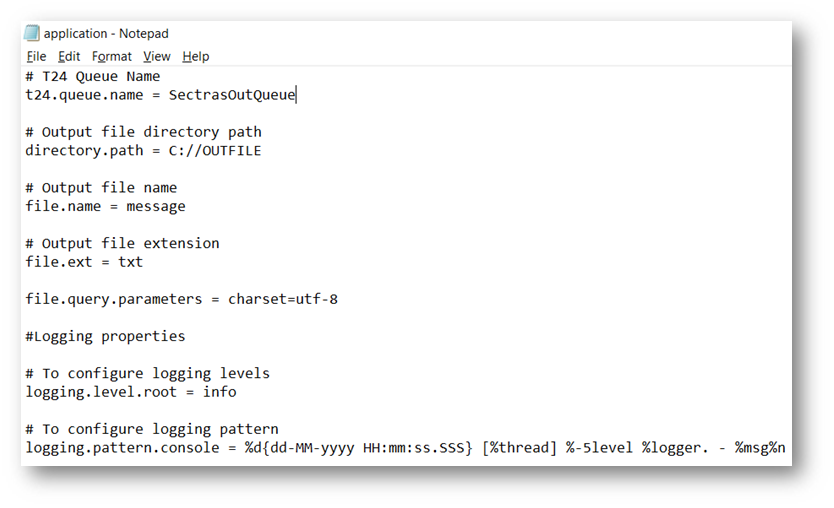
 DESCTX_SectrasOutgoing Components
- Application.properties:
- T24.queue.name: Internal queue from where message is picked.
- directory.path: Folder path where output file must be placed.
- file.name: Name of output file to be generated.
- file.ext: Extension of output file.

 SectrasSecuritiesTaxation Components
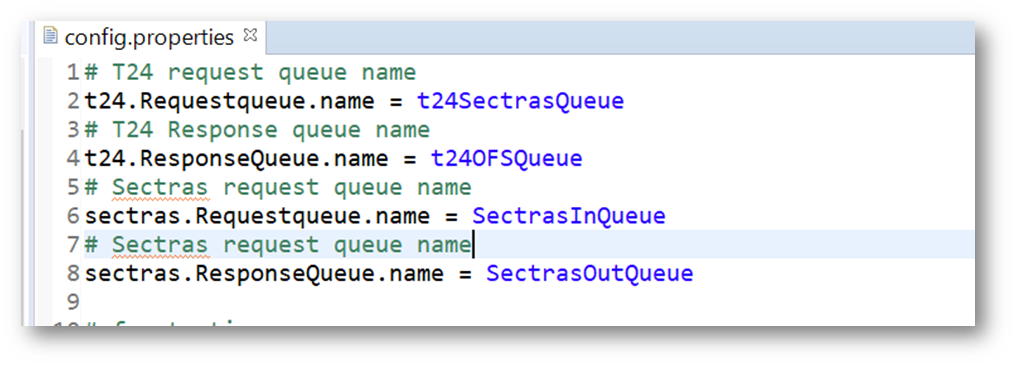
The following are the components of the SectrasSecuritiesTaxation.
- Application.properties:
- T24.Requestqueue.name: Internal queue from where the IF emitted message is picked.
- T24.Responsequeue.name: Internal queue where the processed Ofs response is placed.
- sectras.Requestqueue.name: CPB SECTRAS queue where the request message is placed.
- sectras.Responsequeue.name: CPB SECTRAS queue from where the response is picked.
Deployment Steps
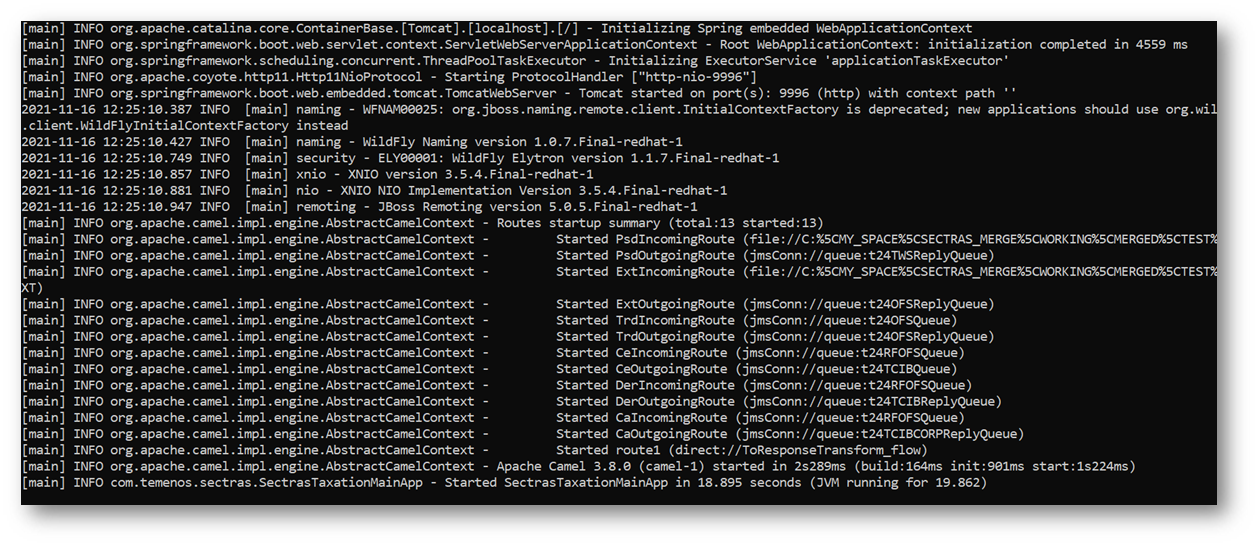
- Open a command window in the extracted package location, and execute the command start.cmd.
- Syntax: start.cmd [ -p provider ] [ -po port ]EXAMPLE:
Start.cmd –p jboss –po 8080
…\package>start.cmd -p jboss -po 8080
- Logs will generated in log folder for monitoring purpose. For exmaple,…\package\log\ console_[providername]_[datetime].txt.

 Deployment Steps for the DESCTX_SectrasTaxation Package
- Use the following command to start the interface:
Syntax: start.sh –p ibmmq –po <port no>. For example, Start.sh –p ibmmq –po 33001.
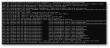
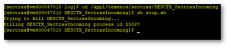
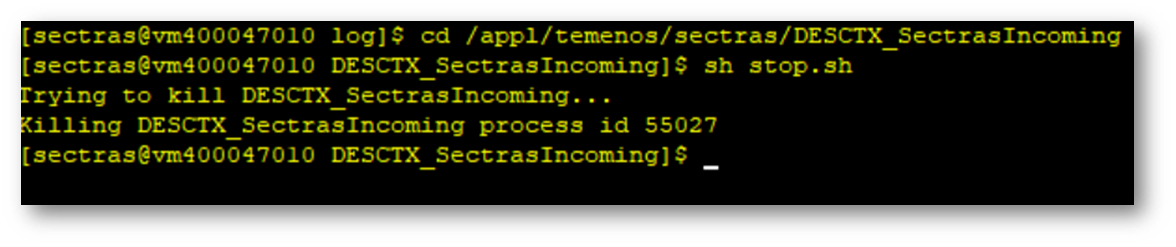
- To stop the interface run the stop.sh in the respective packages.
Special Instructions
In case of Linux environment, kindly ensure that the start.sh has LF as line separator.
Configuring the System
Follow the steps below to configure the system.
Setting Up Queues
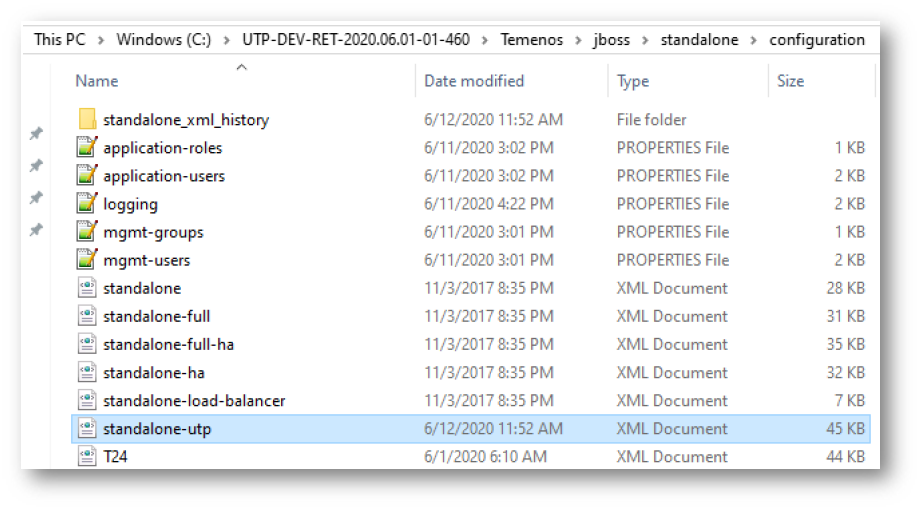
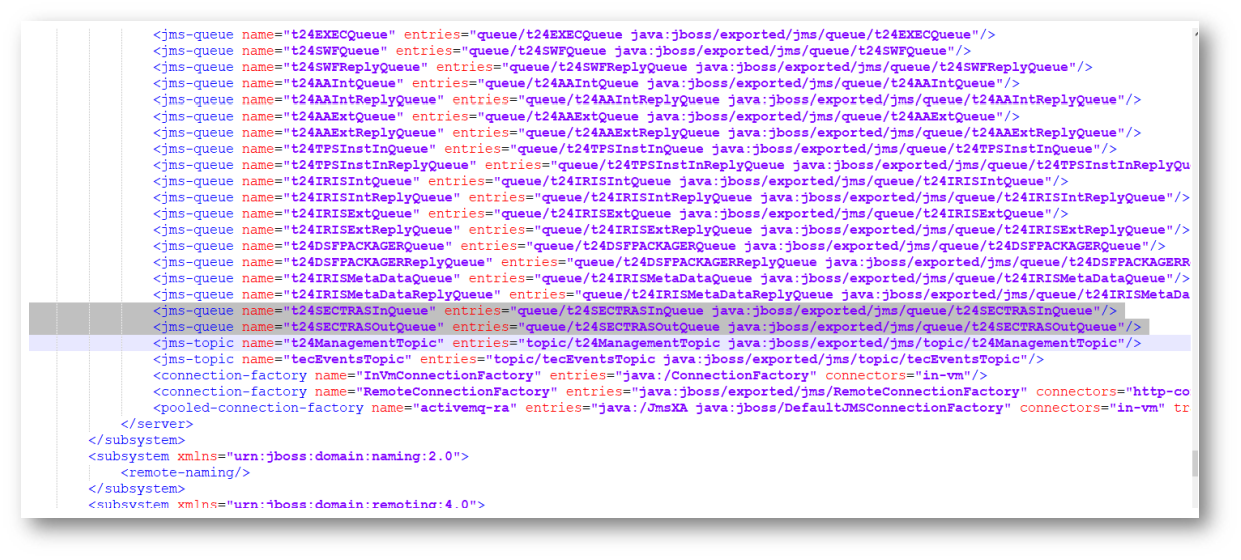
- The queues to be utilised must be added to the standalone-utp.xml file.
- The path and format is as shown below.
- The local reference XML file is mentioned here. Make the required changes Jboss XML file in the client area configuration.

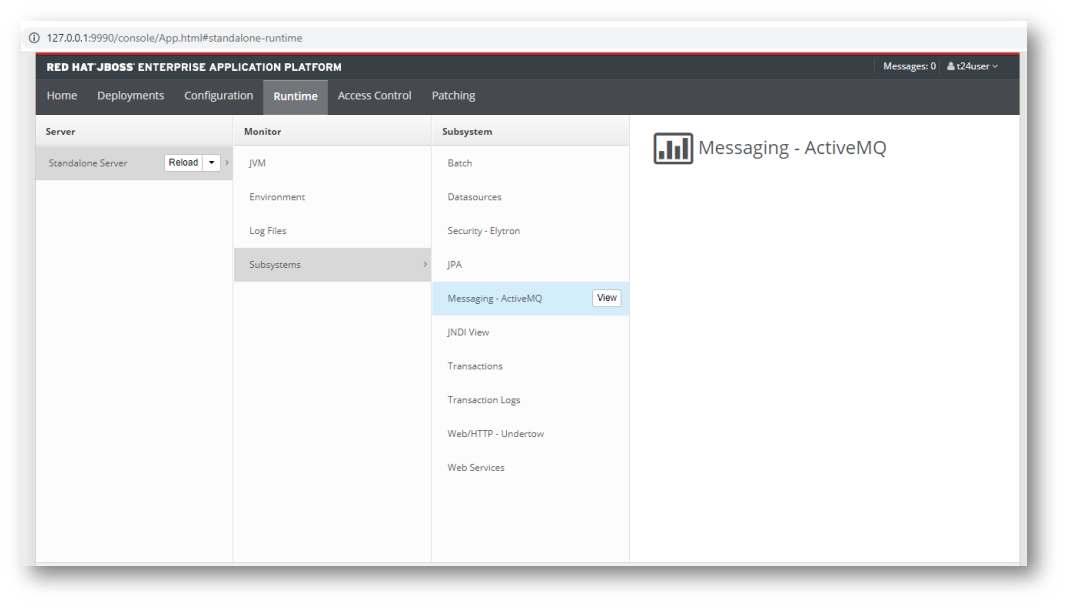
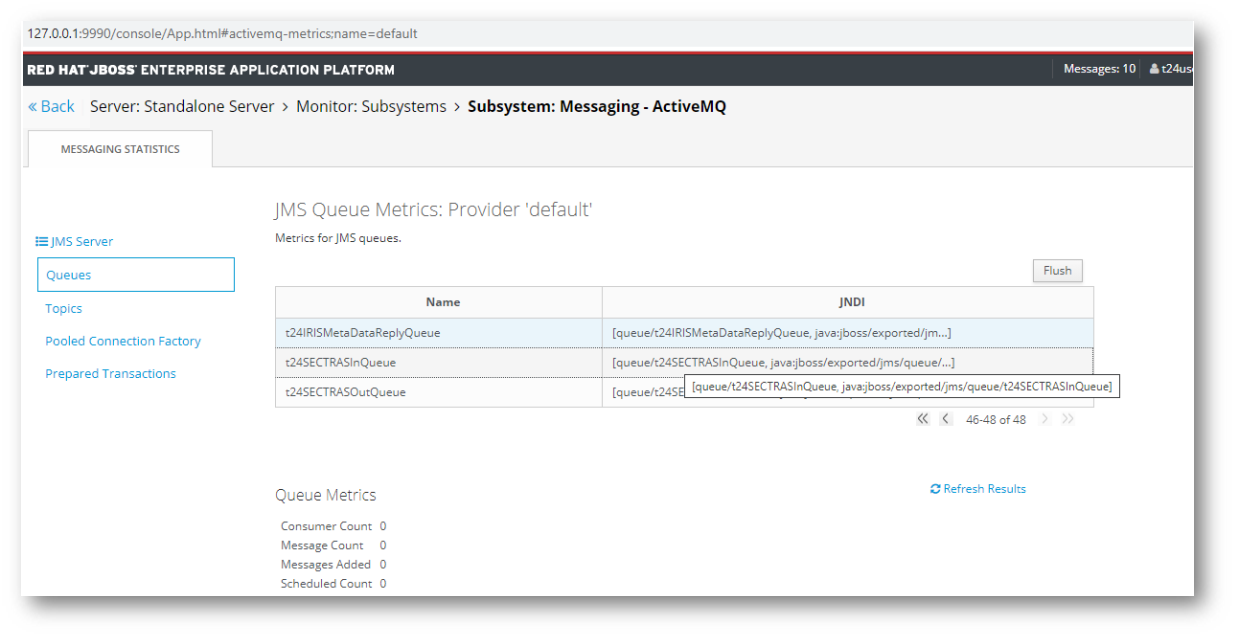
- The queues can be viewed in http://127.0.0.1:9990/console/App.html#standalone-runtime.


In this topic
