Working with Debit Collection
This section helps the user to manually capture and view processed debit collection requests.
Capturing a Debit Collection Request Manually
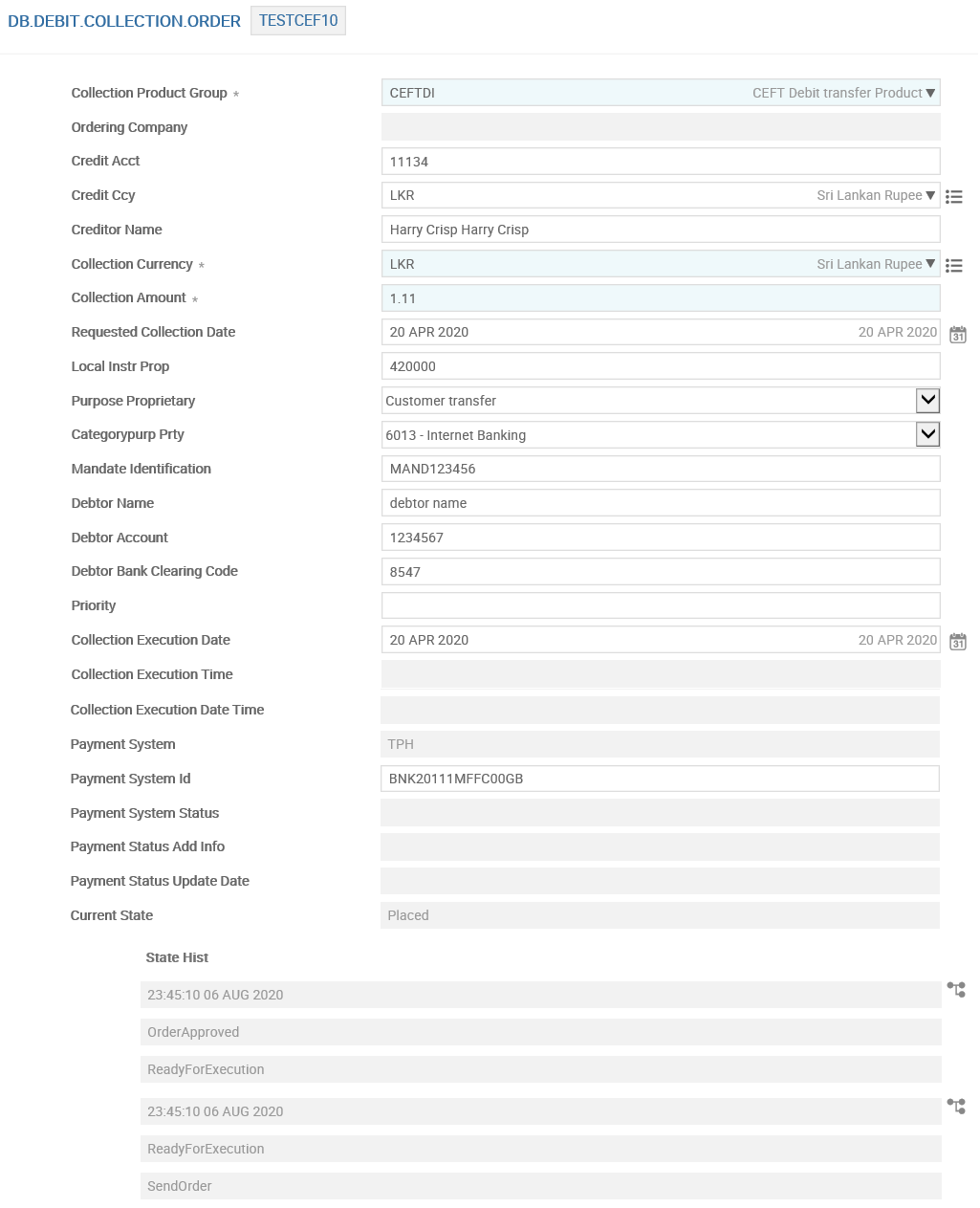
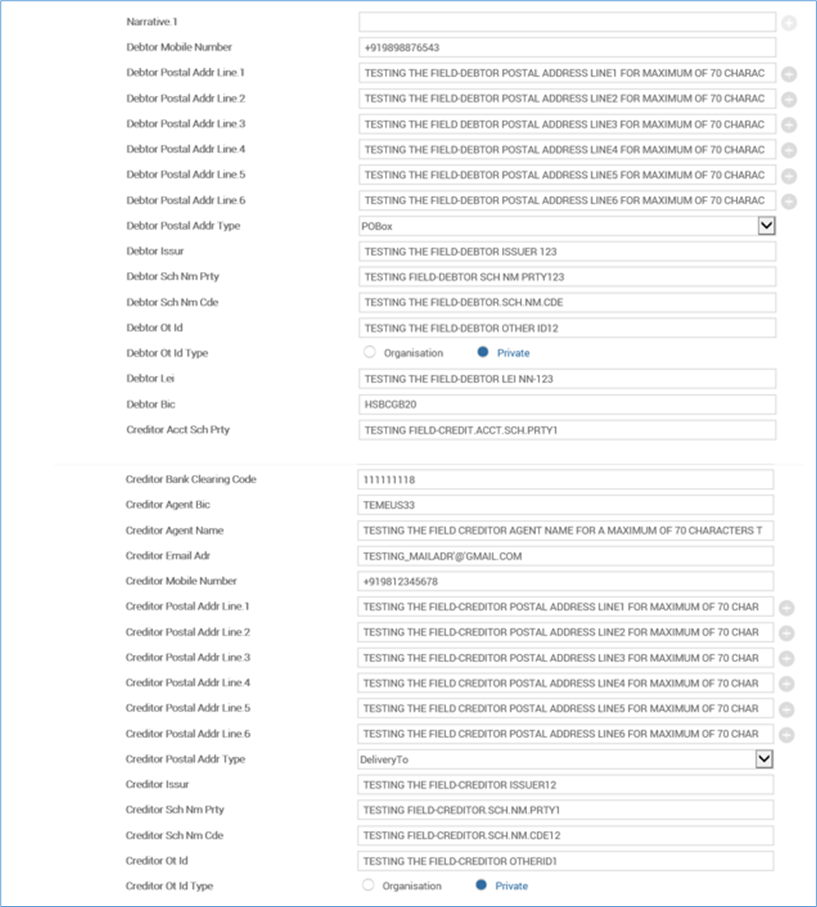
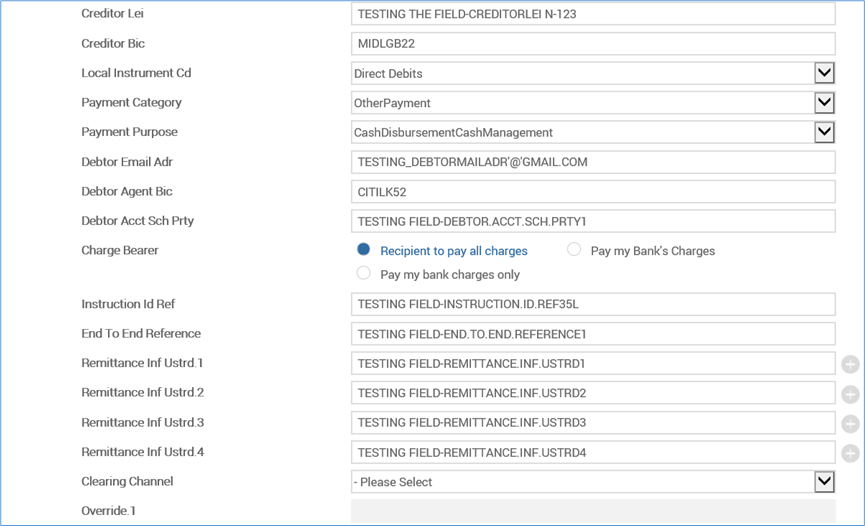
Debit Collection (DB) application allows the bank to create Collection Capture pages for collection and clearing types. Additionally, DB enables to create Collection Capture pages for specific clearing according to the requirements of the bank.
- To initiate a debit collection request, go to User Menu>Payments>Debit Collection Order>Initiate Debit Collection>Debit Collection Domestic.
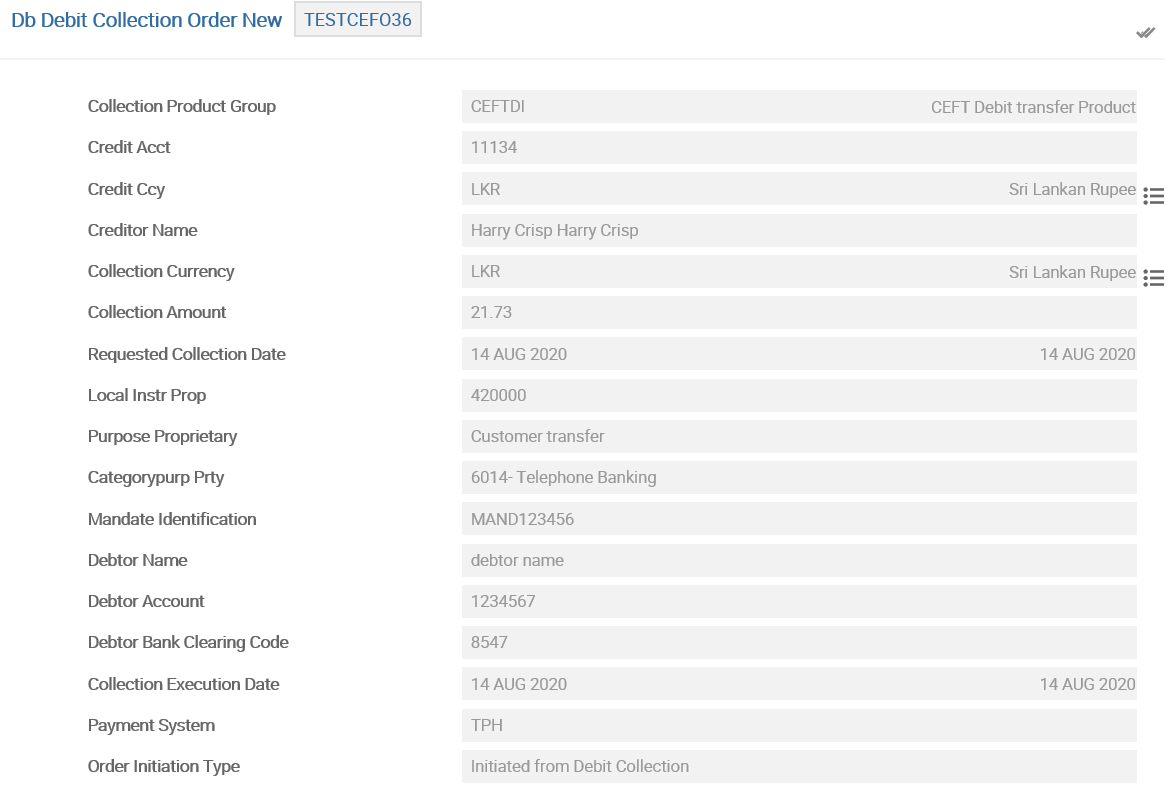
- To authorise the order, go to User Menu>Customer>Payments>Debit Collection Order>Authorise/Delete Payment Order.
Viewing Processed Debit Collection Requests
DB application allows to view the list of processed debit collection requests.
- Go to User Menu>Payments>Debit Collection Order>Debit Collection Enquiries.
- Search for specfic enquiry using the filters shown in the below screenshot.
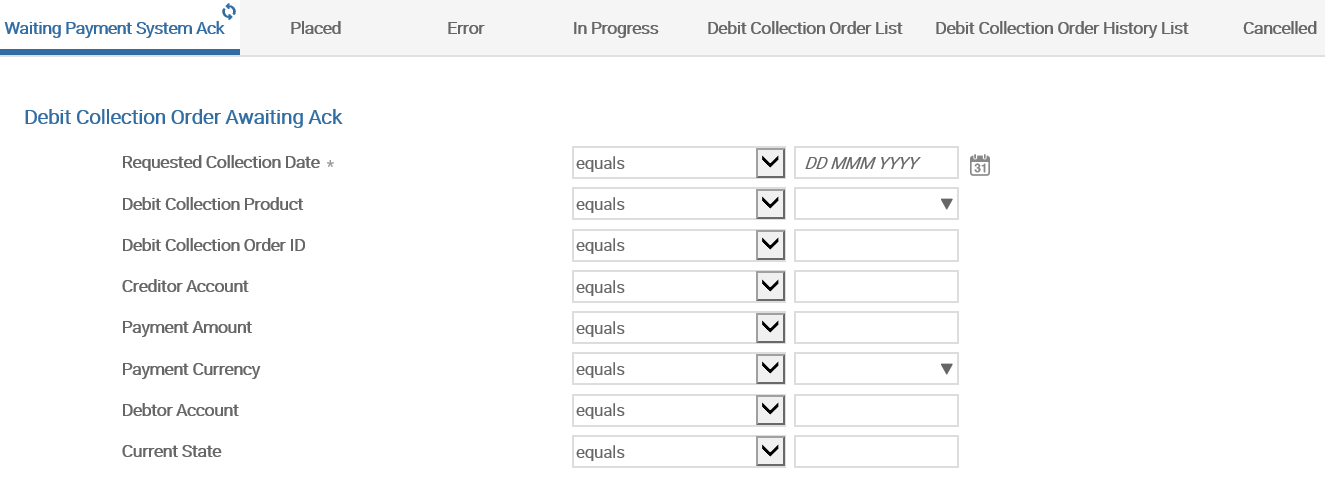
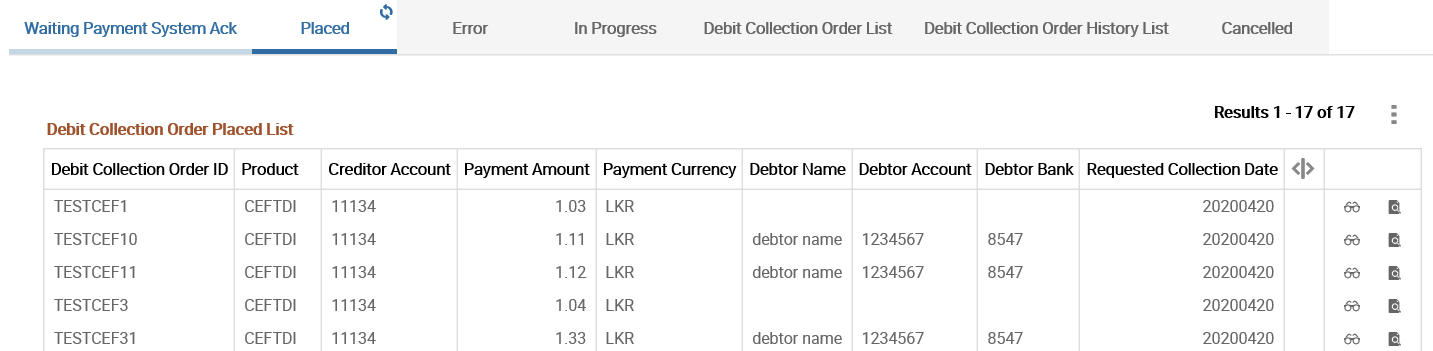
The list of enquiry is displayed based on the filters applied.
In this topic
