Configuring RR.PARAM
You must perform a number of steps to configure and use RR.PARAM.
Procedure
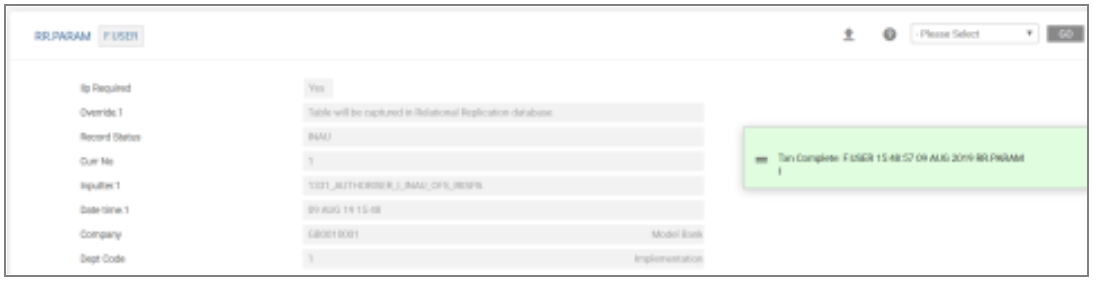
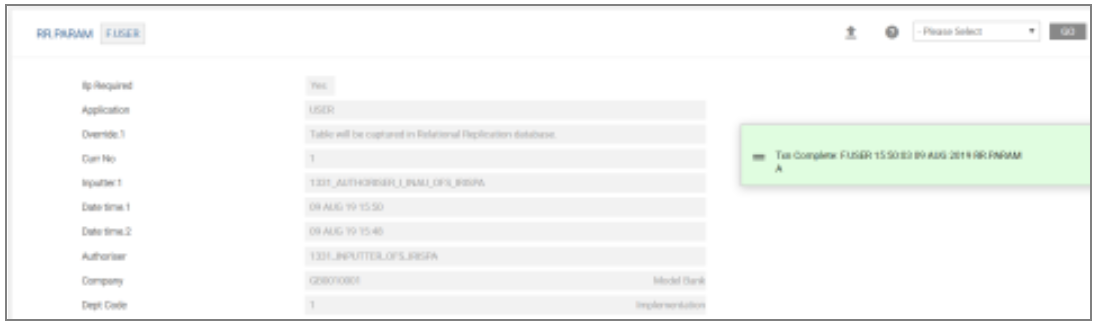
- Replicate application F.USER using RR.PARAM.
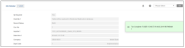
- Authorise the record.
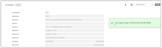
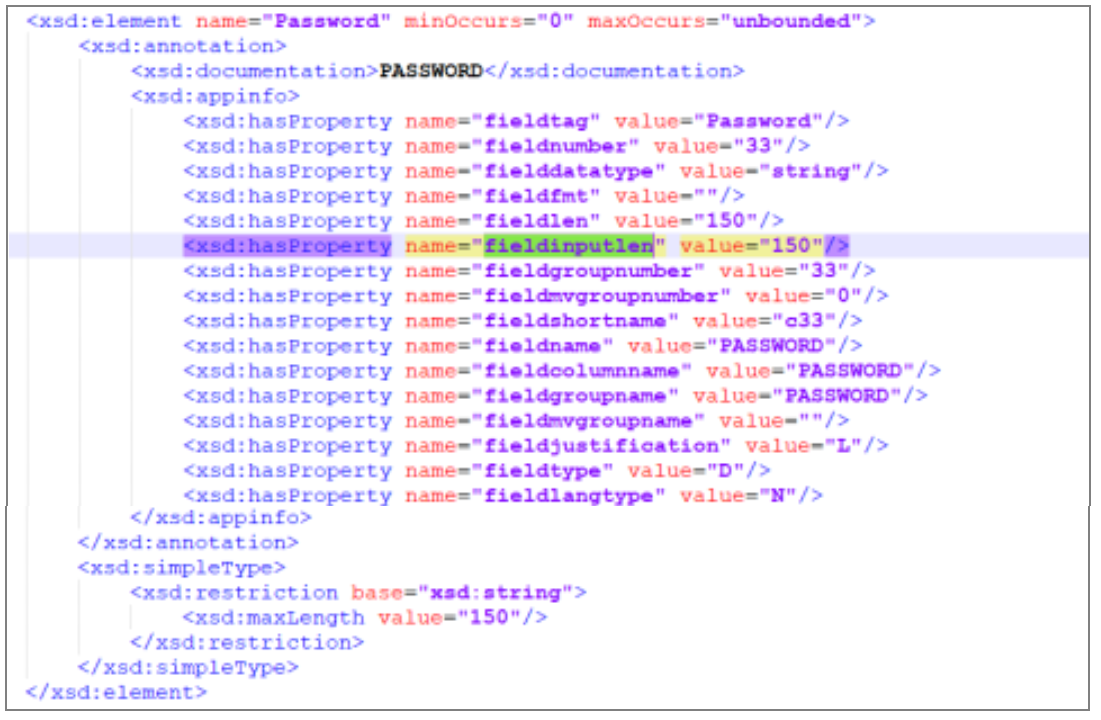
- In RR.XSD.EVENTS verify the record.

- Note that the fieldinputlen value for the PASSWORD field has been updated to 150 automatically. This value comes from the RR.OVERRIDE.PARAMETER table.

- Start the artefacts.
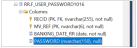
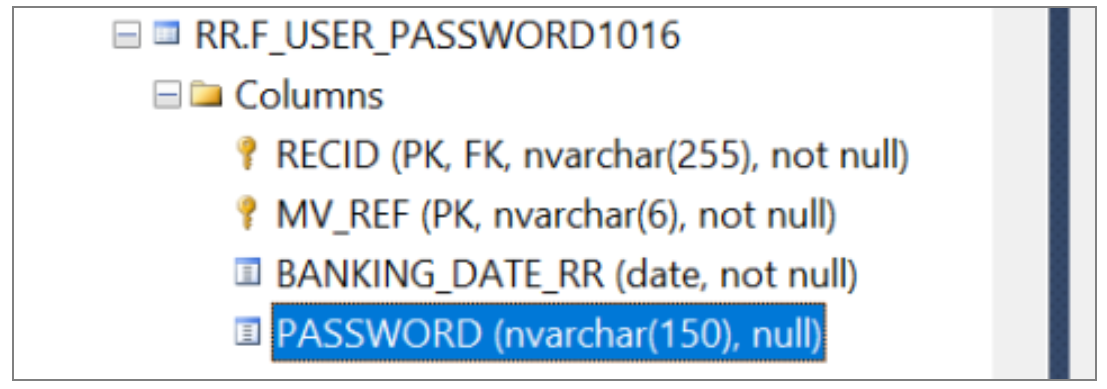
Note that the PASSWORD column length is defined as 150.

In this topic
