Executing Relational Replication erasure
You need to perform a number of steps to execute Relational Replication erasure.
Procedure
-
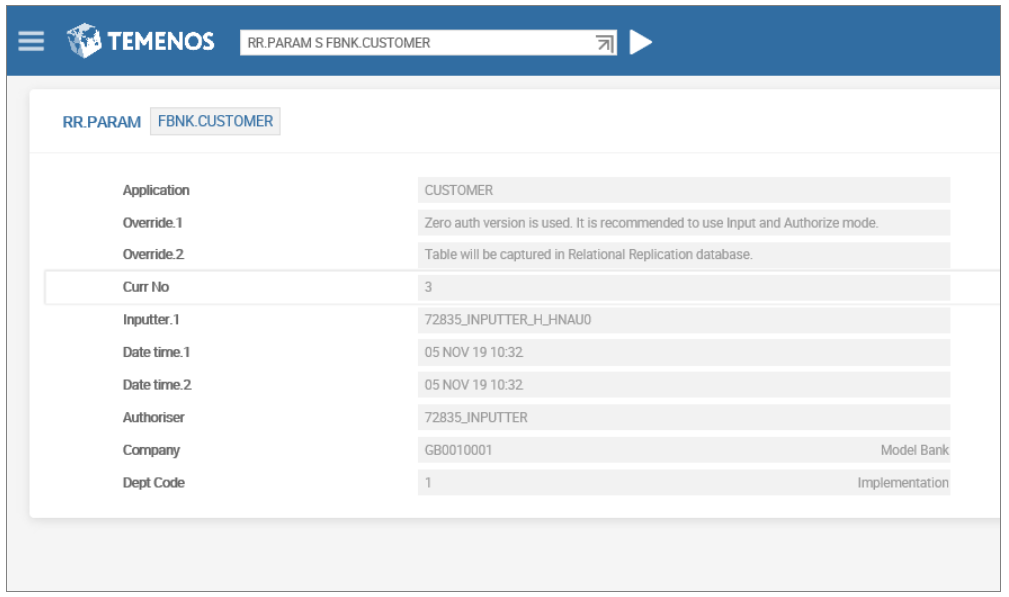
In RR.PARAM configure FBNK.CUSTOMER.
-
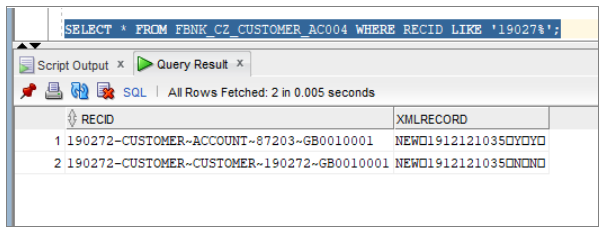
Open file CZ.CUSTOMER.TRIGGER.
-
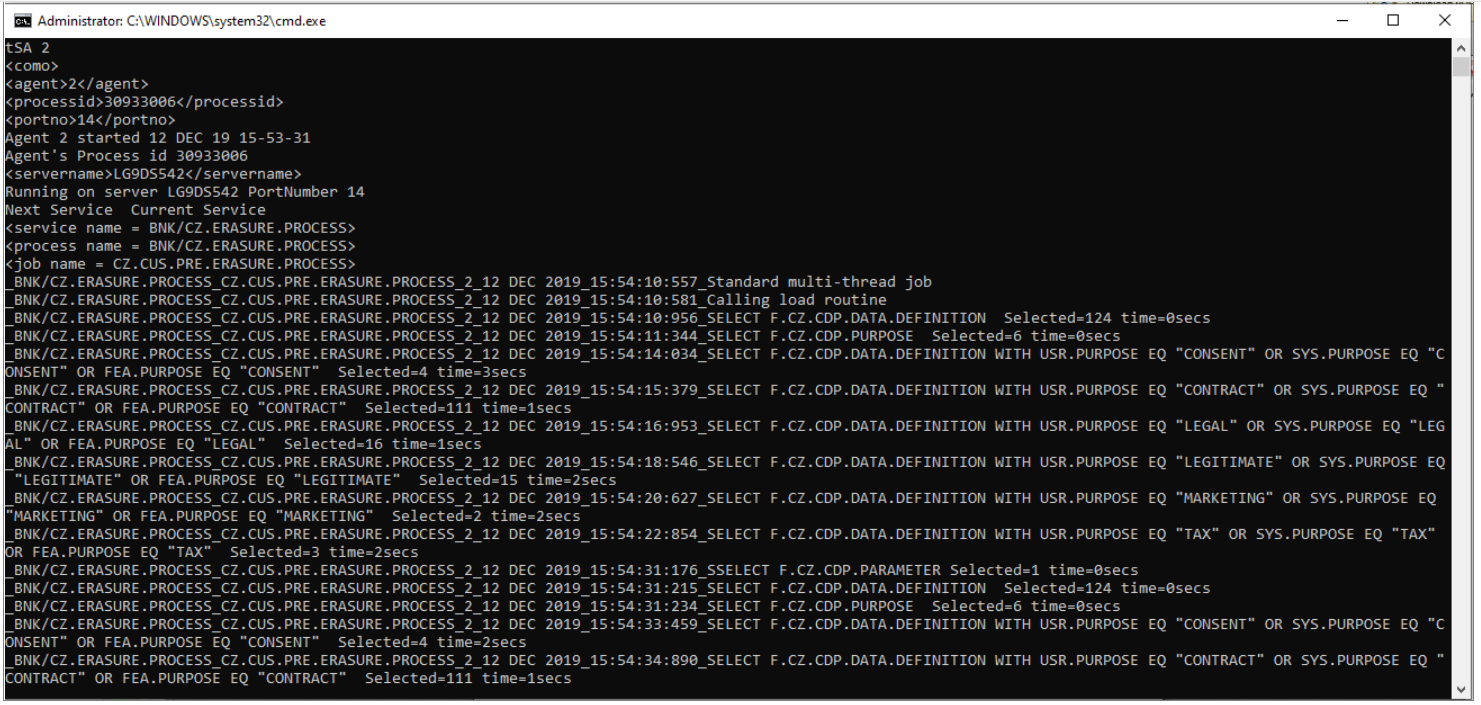
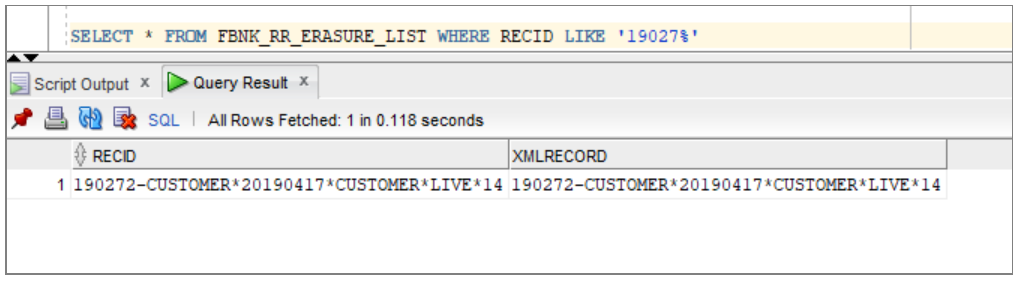
Run the CZ.ERASURE.PROCESS service to populate RR.ERASURE.LIST with the CZ.CDP.DATA.ERASED.TODAY ID.
-
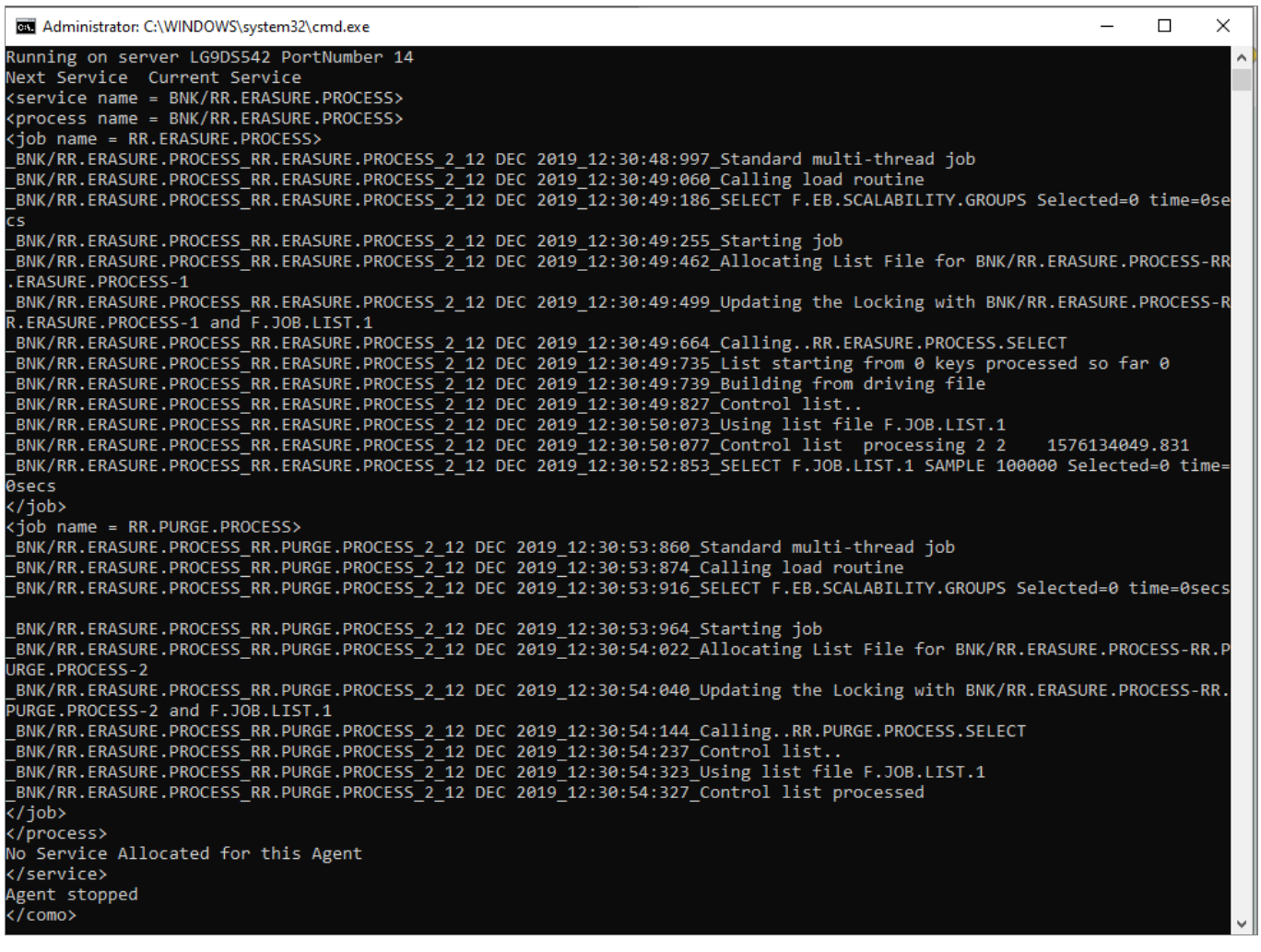
Run RR.ERASURE.PROCESS service to generate the DES event for the CZ.CDP.DATA.ERASED.TODAY record.
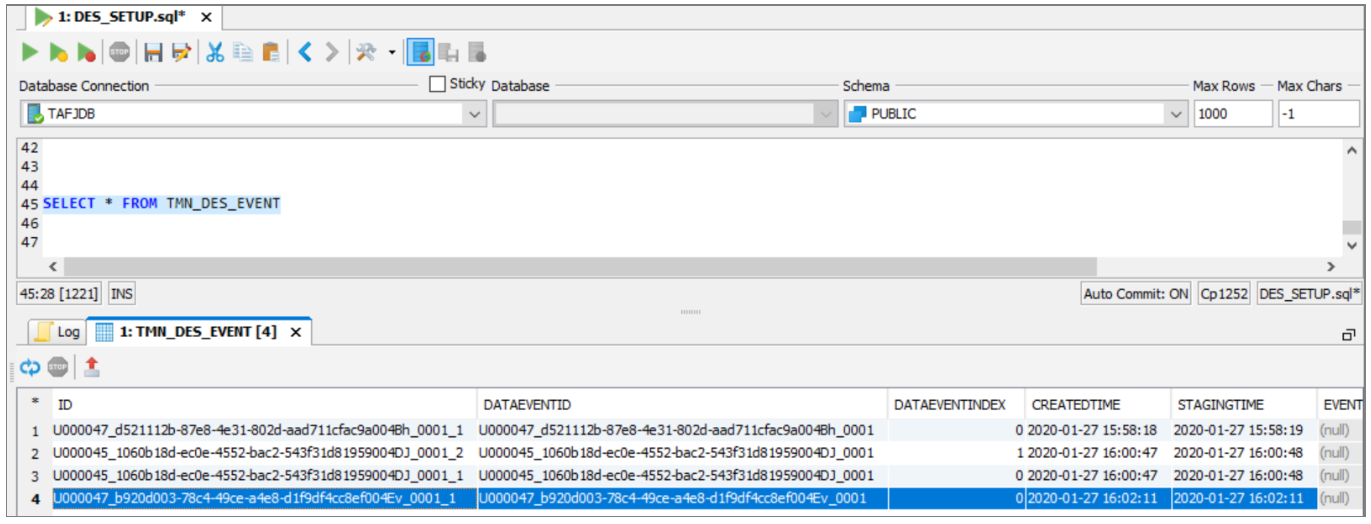
The dedicated Relational Replication topic contains the IF generated event.
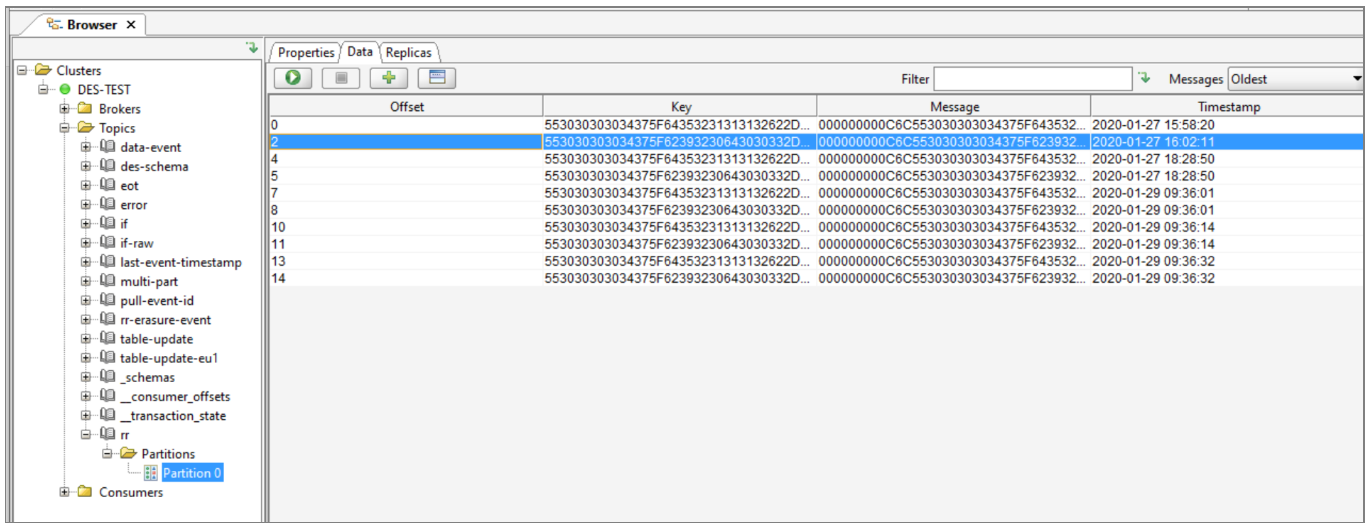
These events are pulled from dedicated DES topics by TDE. In SDS the snapshot history will be updated with the deleted data.
-
When the RR.ERASURE.PROCESS has completed run RR.PURGE.PROCESS.
What then happens depends on the setting of the BUILD.ERASURE.LOG field in CDP.PARAMETER.
- If BUILD.ERASURE.LOG is set to Y, then CZ.CDP.DATA.ERASED.TODAY is not purged and RR.ERASURE.LIST is purged.
- If BUILD.ERASURE.LOG is set to N, then both CZ.CDP.DATA.ERASED.TODAY and RR.ERASURE.LIST are purged.
In this topic
