Restoring FBNK.ACCOUNT$NAU using RR.PARAM
Tables need to be configured in the Relational Replication database CONFIG schema for multi-server purging.
Procedure
-
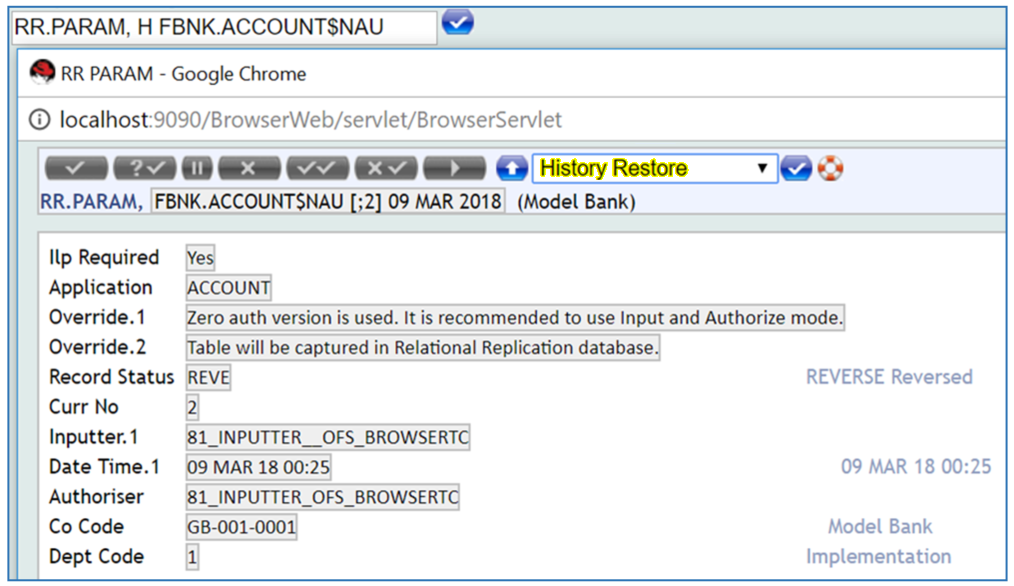
Use the History Restore function H to restore FBNK.ACCOUNT$NAU from RR.PARAM history.
-
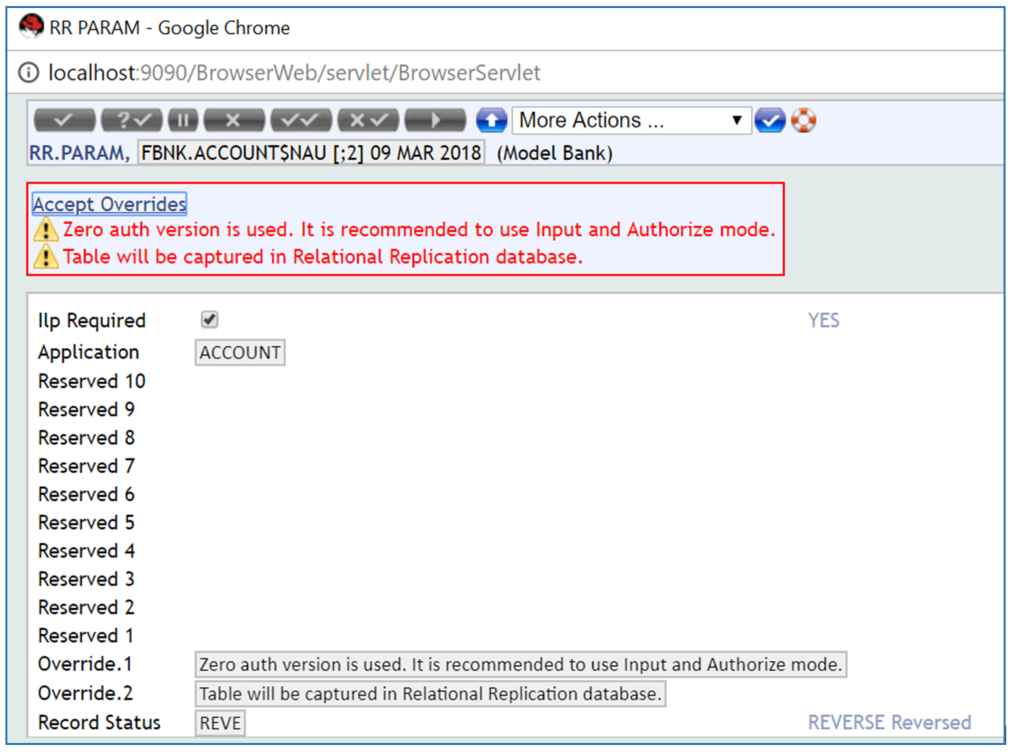
The following override messages will be displayed:
-
Zero auth version is used. It is recommended to use Input and Authorize mode.
-
Table will be captured in Relational Replication database.
-
-
Accept the overrides.
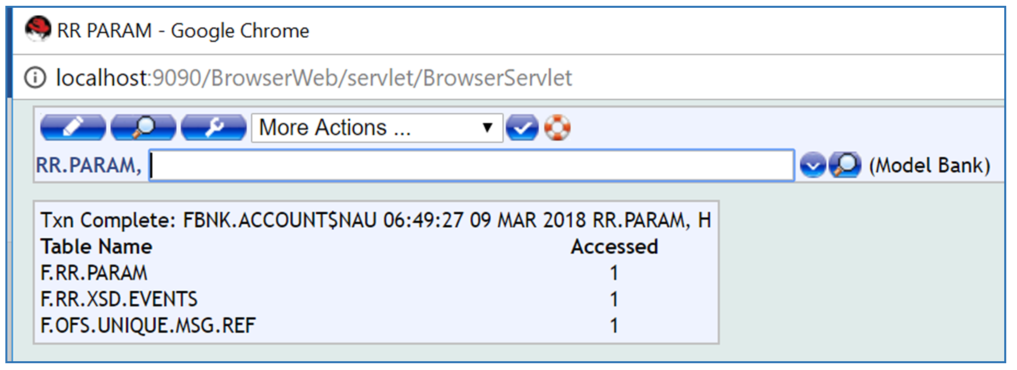
The record is now reversed.
-
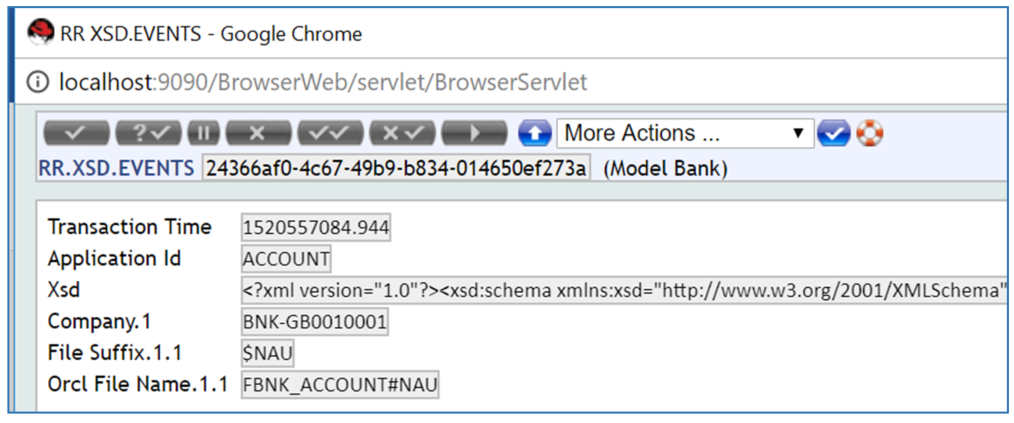
If you display the RR.XSD.EVENTS Record it will look similar to the illustration below.
In the TAFJ_VOC table in Temenos Transact, for the application FBNK.ACCOUNT$NAU the commit-capture is enabled.

In the TAFJ_VOC table in Temenos Transact, for the application FBNK.ACCOUNT$NAU the new VOC rcord for Relational Replication is created as FBNK_ACCOUNT$NAU$RR as illustrated below.
The OTHERATTRIBUTES column is set with the Relational Replication schema and database name.

In this topic
