Creating Package
This section provides the steps to pack Transact models using Temenos Workbench.
Creating Package
To create a new package,
- Login as <<Role>> with valid credentials.
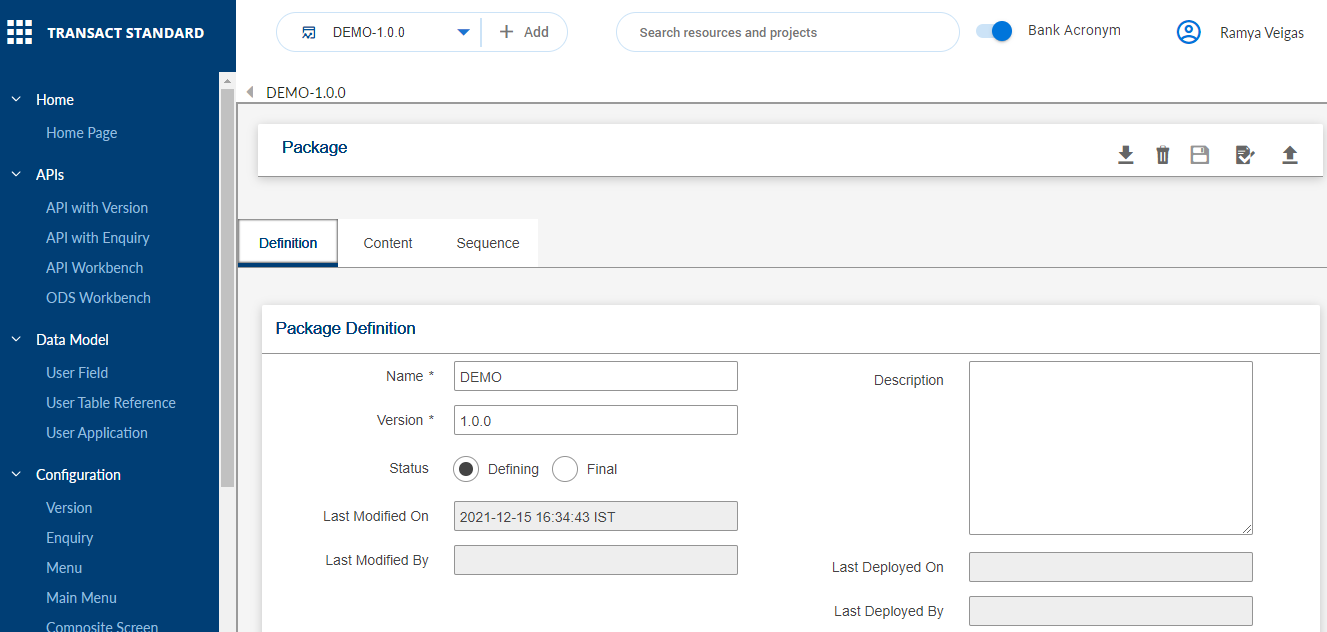
- Select Create New Package from the Select Package drop down to launch the Temenos Packager wired into Workbench.


Editing Package
To edit an existing package,
- Login as <<Role>> with valid credentials.
- Select the
 icon against the required package from the Select Package drop down to launch the Temenos Packager.

 NOTE: You can click Refresh from the Select Package drop down to refresh the entries in the list.

Adding Record to Package
To add a new record to a package,
- Login as <<Role>> with valid credentials.
- Select a package from the Select Package drop down to which record(s) must be added.
- Click
 to add records to the package.
In this topic
