Configuring Secure Sockets Layer (SSL)
To configure SSL, follow the steps below:
- Enter truststore location and password while starting the if-swift-interface application, as shown below:
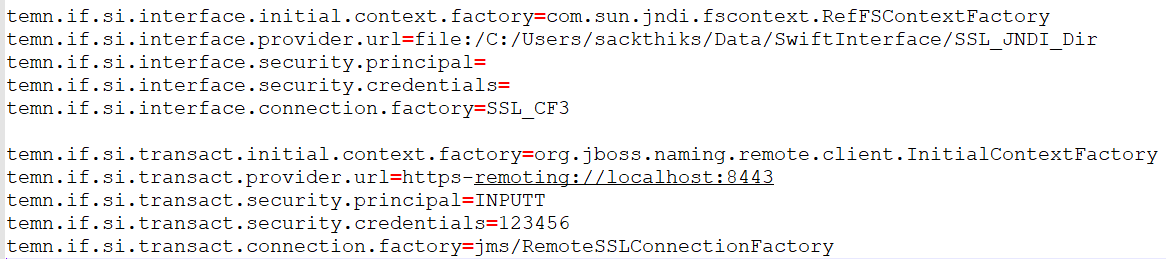
- In the application-queue.properties or application-file.properties file, configure the SSL enabled provider Url.
>startApp.bat -Dcom.ibm.mq.cfg.useIBMCipherMappings=false -Djavax.net.ssl.trustStore=C:\Users\sackthiks\Data\SwiftInterface\SSL_Path\key.jks -Djavax.net.ssl.trustStorePassword=123456 -Djavax.net.ssl.keyStore=C:\Users\sackthiks\Data\SwiftInterface\SSL_Path\key.jks -Djavax.net.ssl.keyStorePassword=123456
Enabling SSL Logs
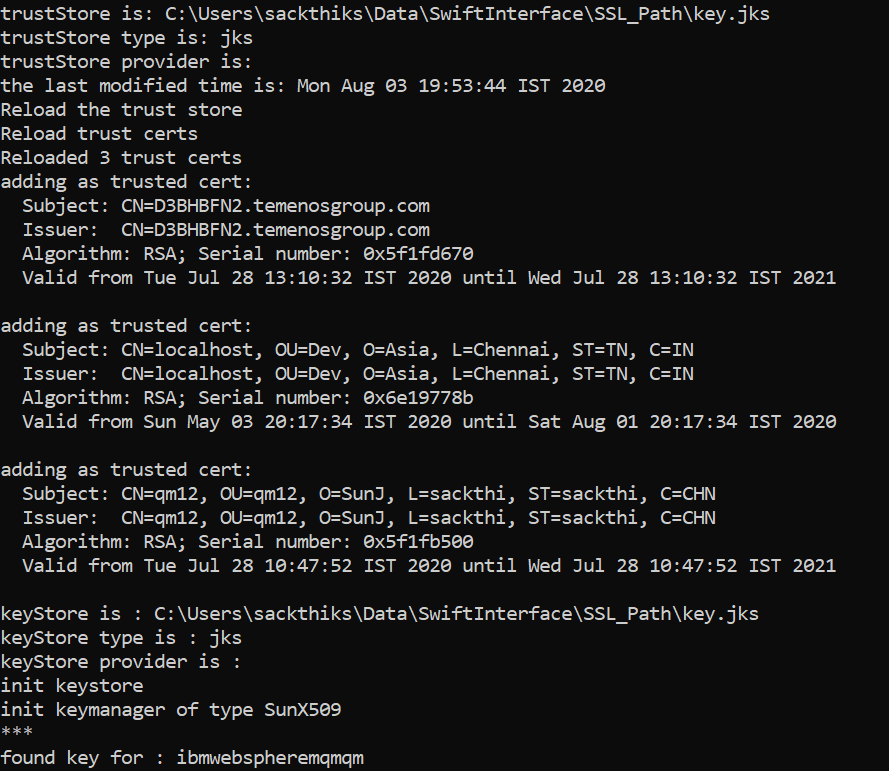
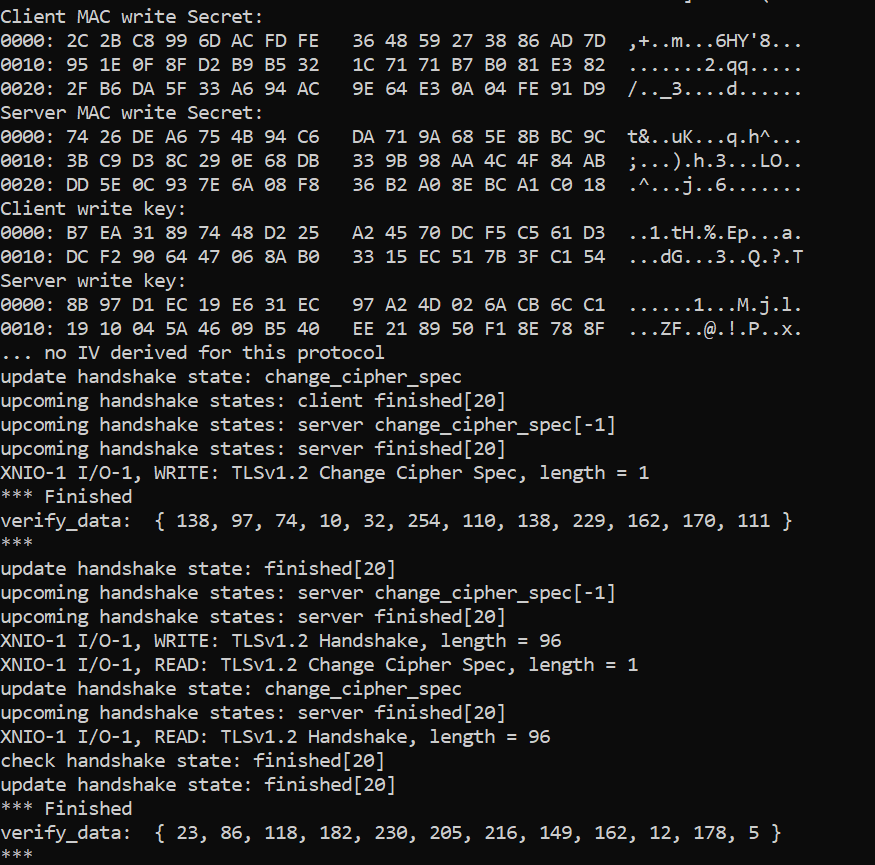
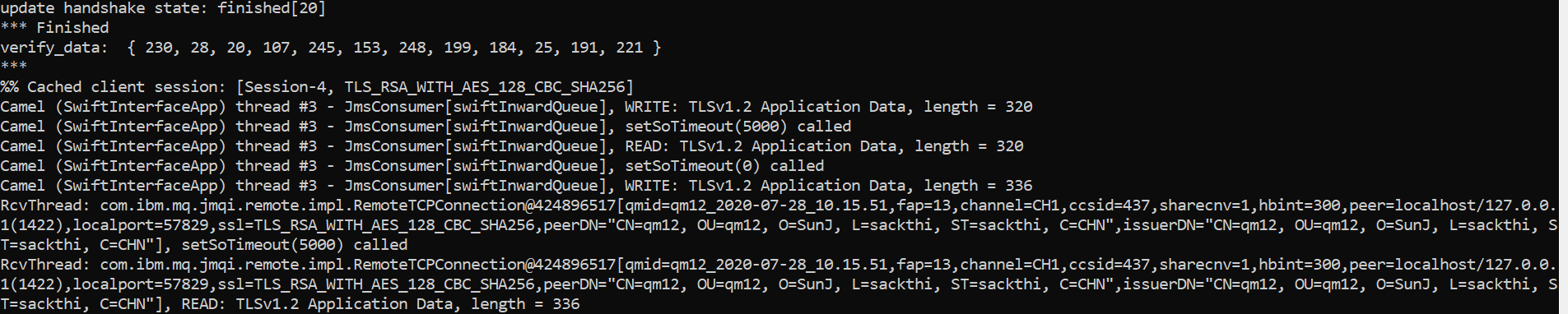
You should set optional argument as -Djavax.net.debug=ssl:handshake to view SSL handshake relevant logs.
The sample SSL logs are given below:
In this topic
