Creating JMS Connection Factories
A JMS connection factory is used to create connections to JMS destinations. The associated JMS provider creates the JMS connection factory.
Procedure
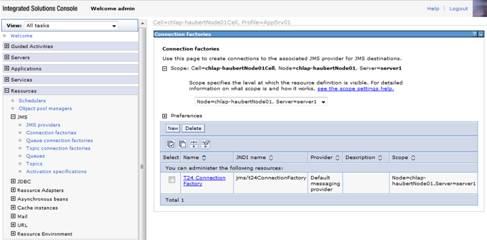
- In the WebSphere admin console, click Resources > JMS > Connection factories > Scope > Server > New.
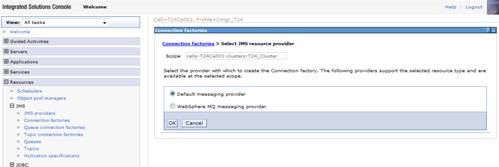
- Select Default messaging provider.
- Click OK.
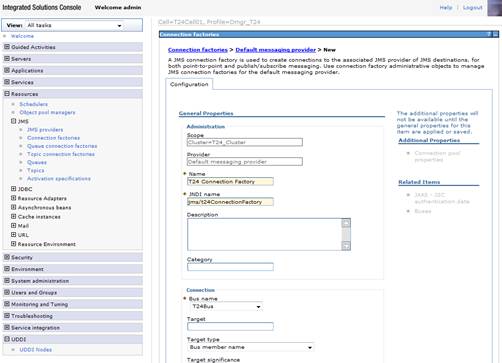
- Specify the properties below:
- Name as T24 Connection Factory.
- JNDI Name as jms/t24ConnectionFactory.
- Bus Name as T24Bus.

- Click OK and save settings to master configuration.
In this topic
