Appendix
This section covers the additional details about WebLogic application server.
Analysing MBeans with jConsole
Procedure
- Start jconsole as shown below:
jconsole -J-Djava.class.path=%JAVA_HOME%\lib\jconsole.jar;%WL_HOME%\wlserver_12.1\server\lib\wljmxclient.jar –J-Djmx.remote.protocol.provider.pkgs=weblogic.management.remote
- Login with the URL below.
service:jmx:iiop://localhost:7001/jndi/weblogic.management.mbeanservers.runtime
- Specify the same username and password that you used to login in WebLogic Admin console.
Setting up WebLogic HTTP Channels
Procedure
- In the WLS admin console, click Environment > Servers > your server name.
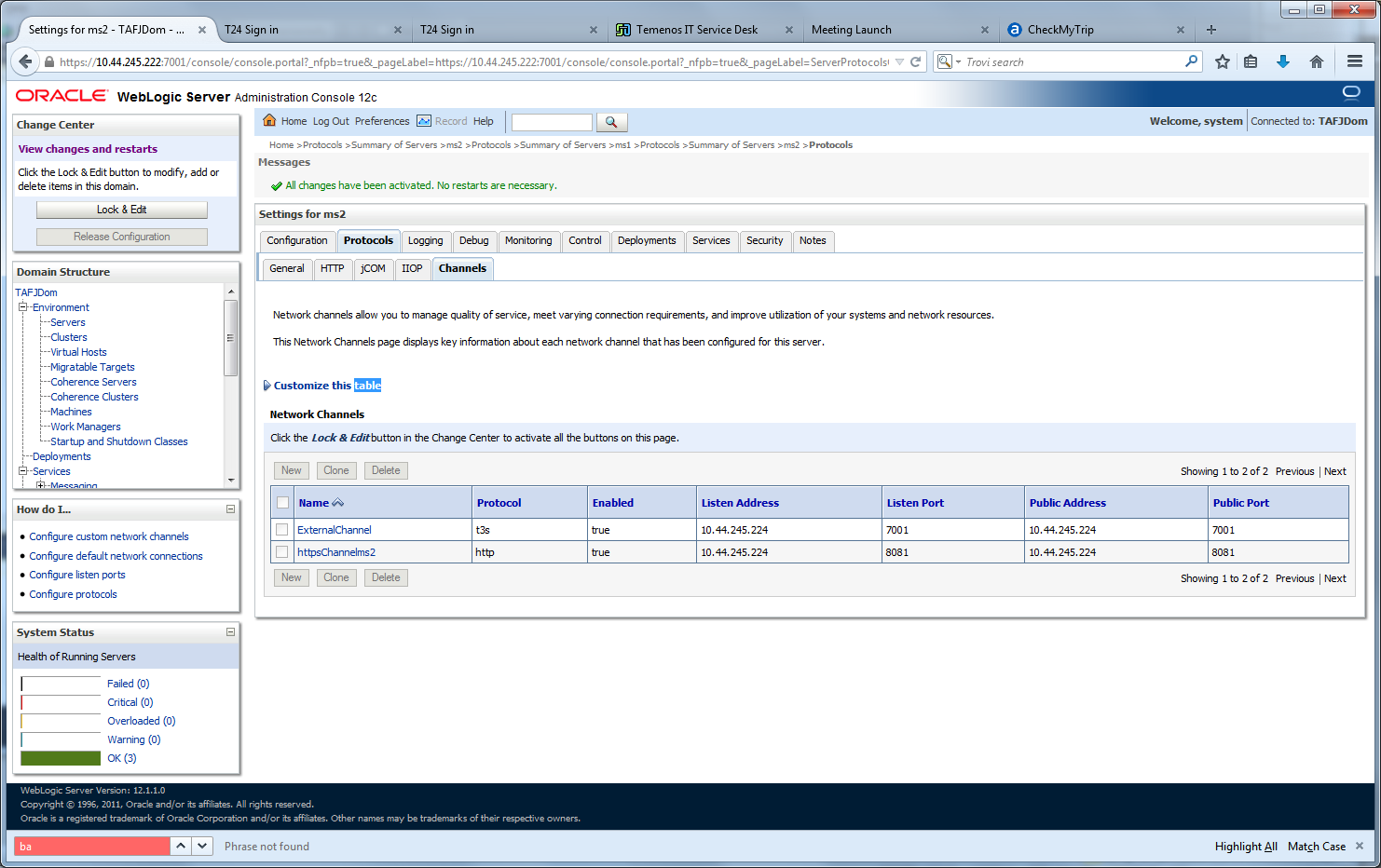
- Click the Protocols tab.
- Click New and follow the wizard. Specify a name and choose http for your protocol drop-down.
- Specify the port details as shown below.
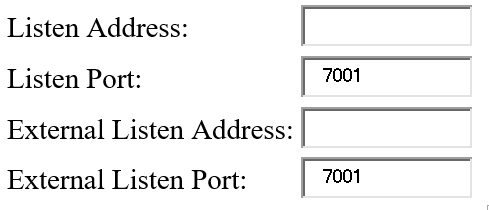
The example below uses the same listen address or port as external listen address or port.
Setting up WebLogic with MQ Series
For more information, see the following references:
http://docs.oracle.com/cd/E24329_01/web.1211/e24385/advance_config.htm#i1081815
http://mokandra.blogspot.fr/2012/08/integrating-websphere-mq-6-with-bea.html
http://www.ibm.com/developerworks/websphere/library/techarticles/0604_kesavan/0604_kesavan.html
In this topic
