Verifying the WebLogic Server Installation
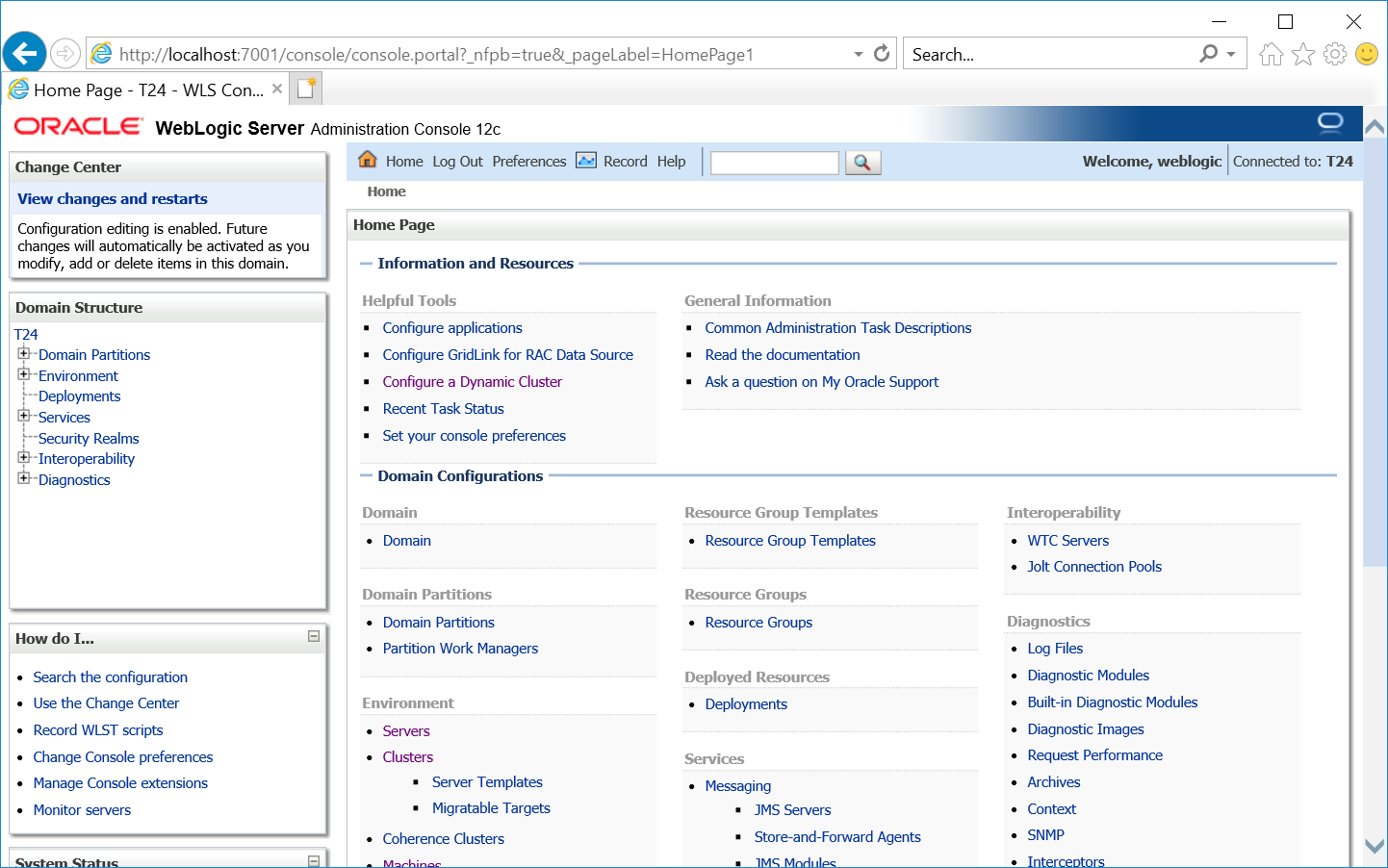
If your application server is successfully installed, you can login to the WebLogic Server (WLS) Administration Console. This section shows you how to login to the WLS admin console.
Procedure
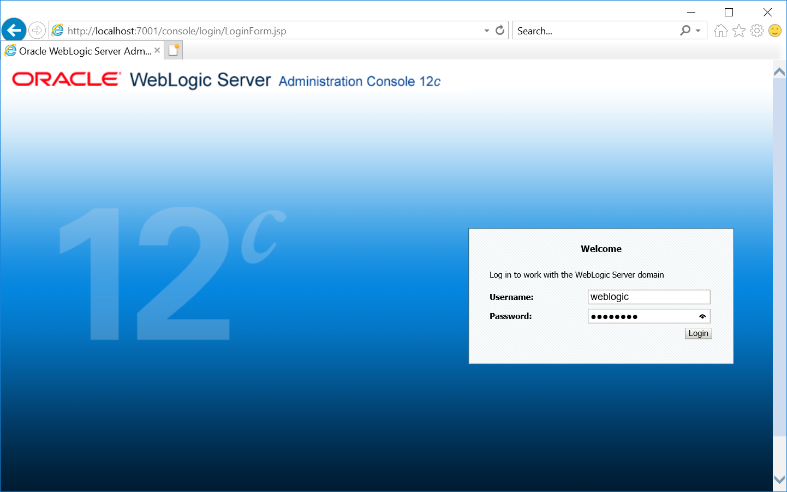
- Login to the Administration console using the address http://localhost:7001/console.
- Specify Username as weblogic and Password.
- Click Login.
In this topic
