Adding a Tenant by using Servlet
This section shows you how to add a tenant by using the tenant management servlet.
Procedure
- Open the following URL to access the tenant management servlet:
http://xxxxx/TAFJConfiguration/tenant.xhtml

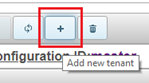
- Click Add new tenant to create a new tenant.

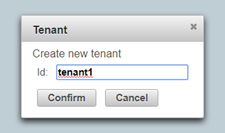
- Define the tenant ID in the Tenant dialog box and click Confirm. This property is immutable and used in all tenant management operations.

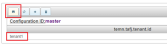
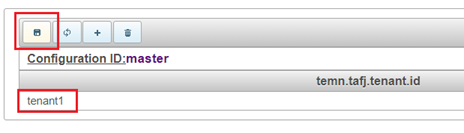
- Repeat the above steps for all tenants.NOTE: No tenants and properties are created yet but the tenant ID can be seen in the tenant table. At this point, the status is pending change.
- Click Save modifications.
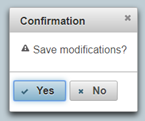
- Click Yes.

The tenant definition gets created by the configuration service with the default properties set described in the Tenant definition description section.
 NOTE: System must be restarted after configuration change, if it is already running.


In this topic
