Working of a Temenos Transact TAFJ Update
This section describes an example of a Temenos Transact TAFJ update.
Procedure
- Copy the updates to the updates directory ([UPDATER_HOME]/updates).

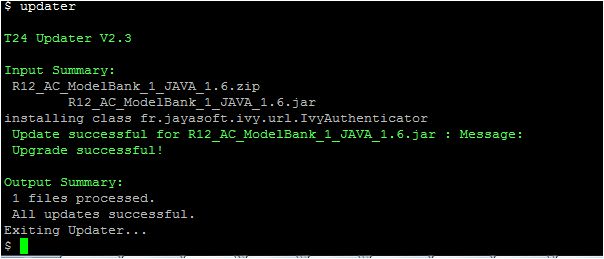
- Install the updates.
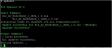
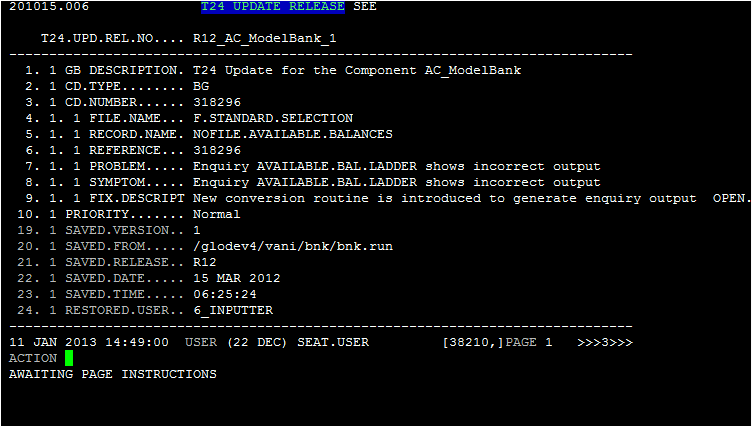
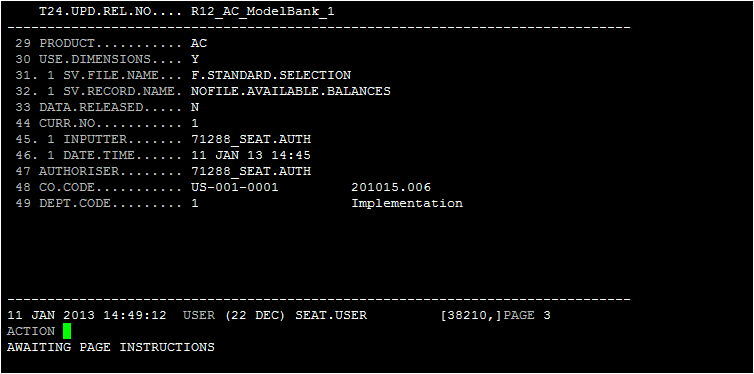
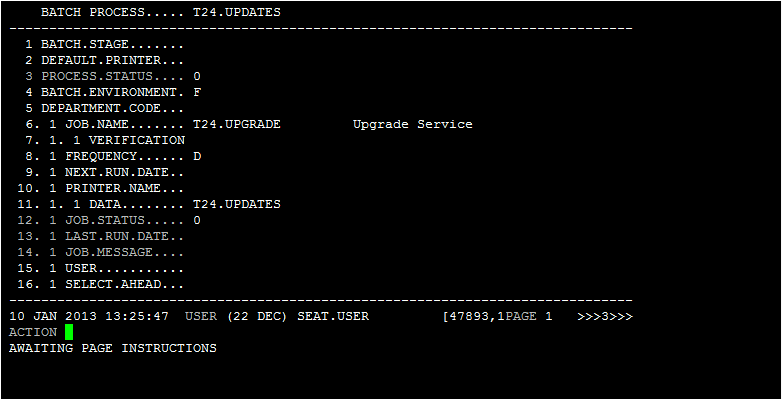
Below are the screen captures for T24.UPDATE.RELEASE before running the T24.UPDATES service:


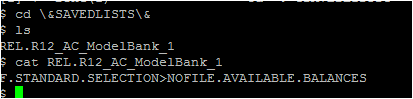
Below are the output of &SAVEDLISTS& and &COMO&:
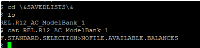

- Set temn.tafj.directory.updates with runtime path, which associates to the updates directory ( for example, /glodev1/tafj/tafjx01/TAFJ/T24UD/updates).
The component JARs get copied to a new folder in the updates directories, which is defined in temn.tafj.directory.updates.
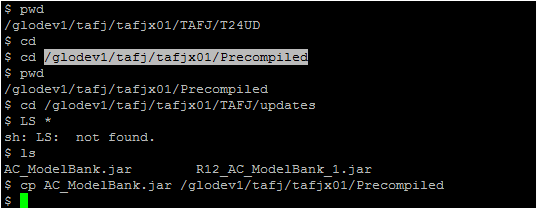
- Copy the component AC_ModelBank.jar file from the updates directory to the precompiled directory (defined in tafj.properties).NOTE: In most customer cases, the precompiled directory is specified by the application server.
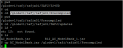
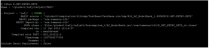
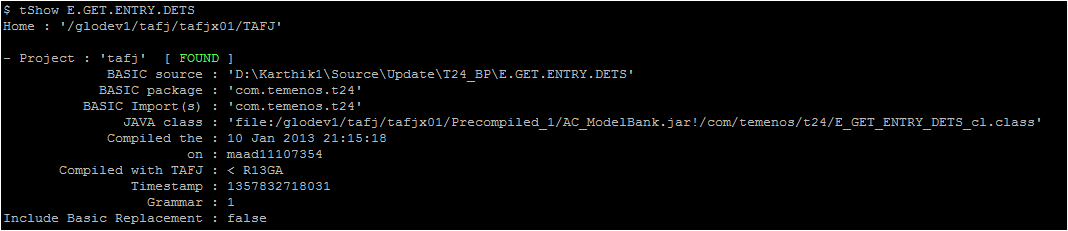
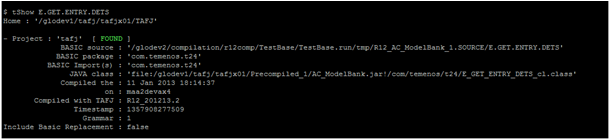
tShow of one of the CLASS files is available in the component JAR.
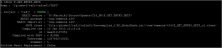
- Run the BNK/T24.UPDATES service to release the data records of Temenos Transact updates. Ensure that the corresponding batch record of BNK/T24.UPDATES has T24.UPDATES set in the DATA field.


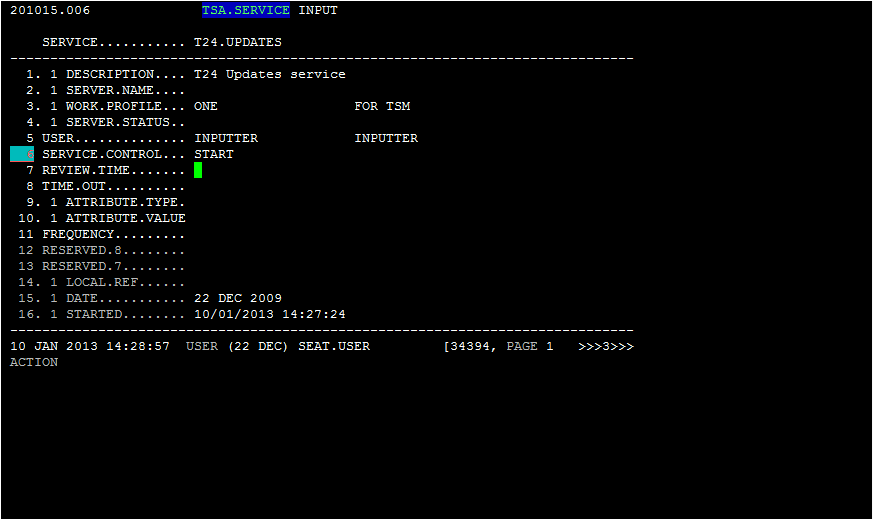
- Run the T24.UPDATES service to complete the data record updates, authorization, and other processing that needs to take place.


In this topic
