Cleaning a Project
Cleaning a project gives you the option of deleting all Java and Class files.
Procedure
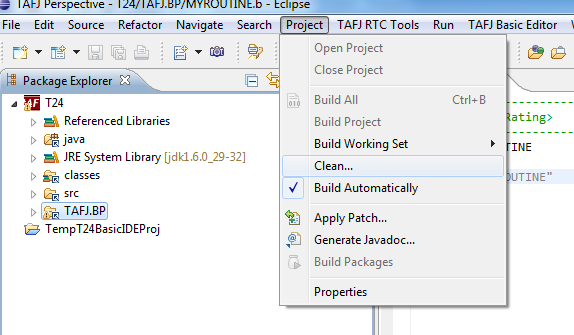
- From the menu, click Project > Clean....

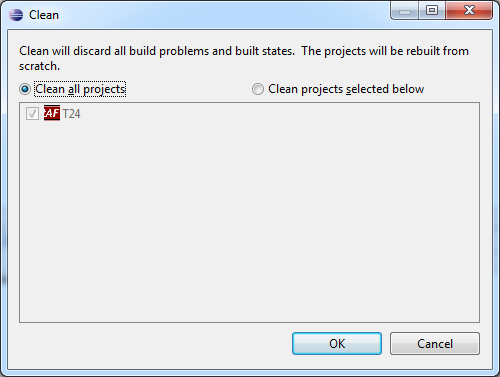
- In the Clean wizard, select an option to clean all projects or a specific project as shown below and click OK.

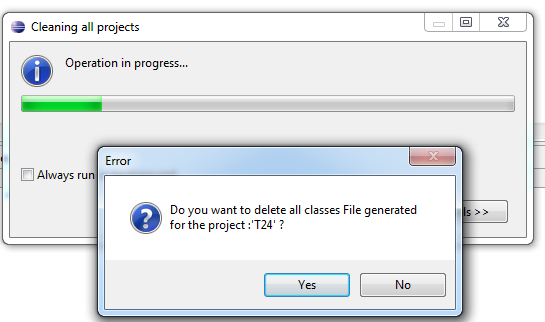
- Select Yes or No to delete all Class files generated in the project.

In this topic
