Extracting and Loading Data in Database
This section shows you how to extract and load the content of a data file into a database.
Extracting Data
Procedure
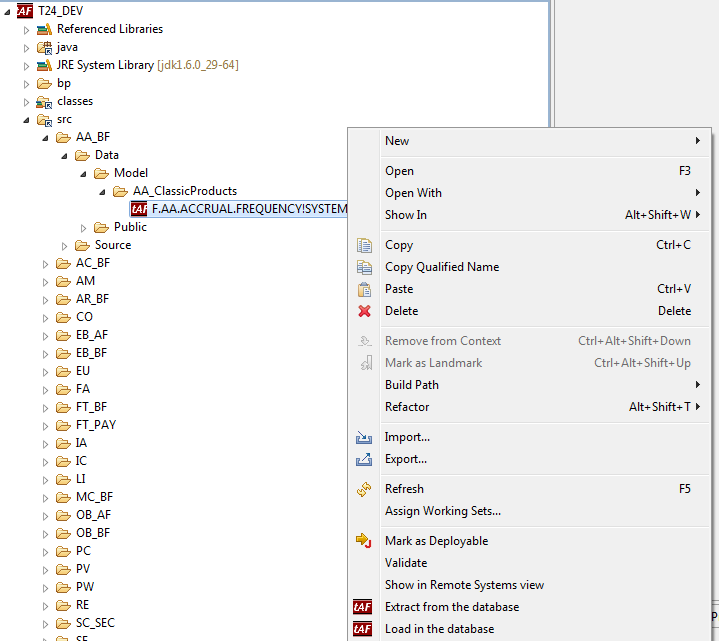
- Right-click the data file and click Extract from the database.

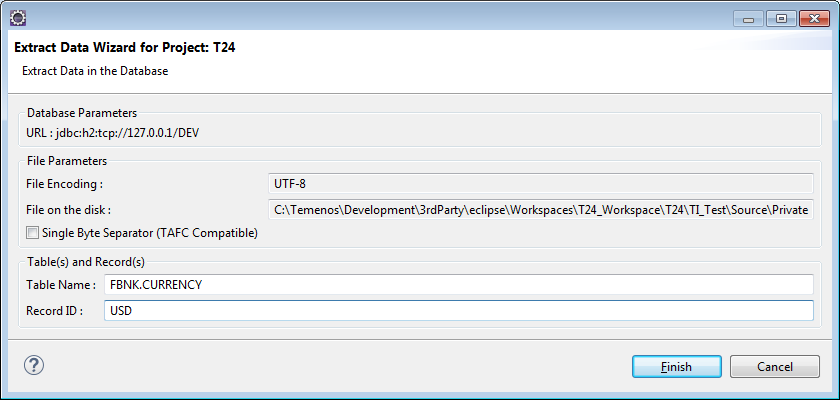
The following wizard is displayed:
- Specify Table Name and Record ID. Click Finish.
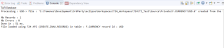
The following output is generated.


Loading Data
Procedure
- Right-click the data file and click Load in the database.
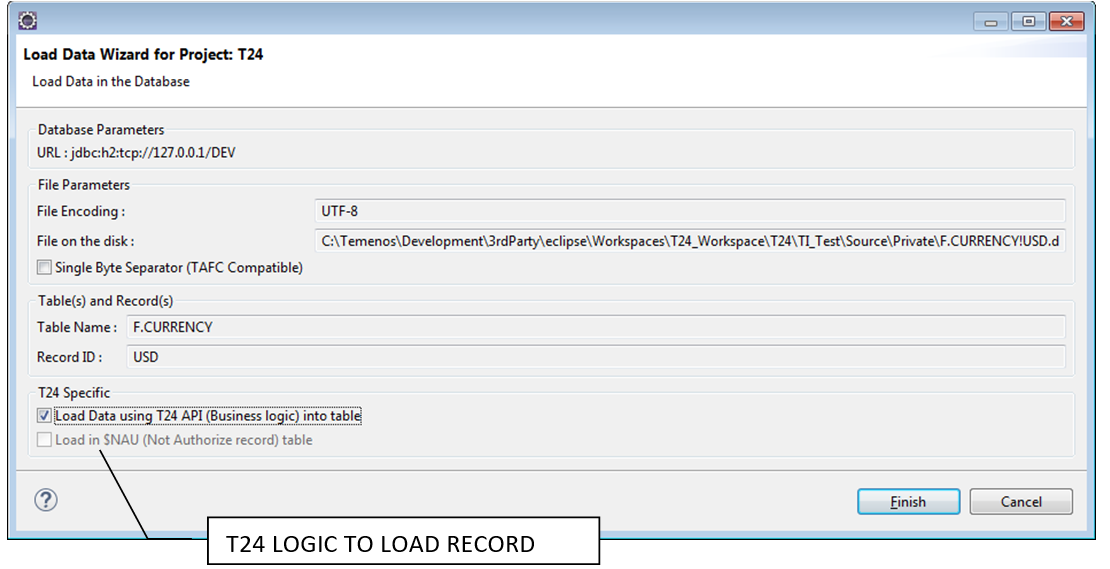
The following wizard is displayed:

By default a record loaded in Temenos Transact requires a manual authorisation, thus it will be uploaded in the corresponding $NAU table. In some cases, it is directly loaded into a live file.
- Select the Load Data using T24 API (Business logic) into table check box and click Finish.
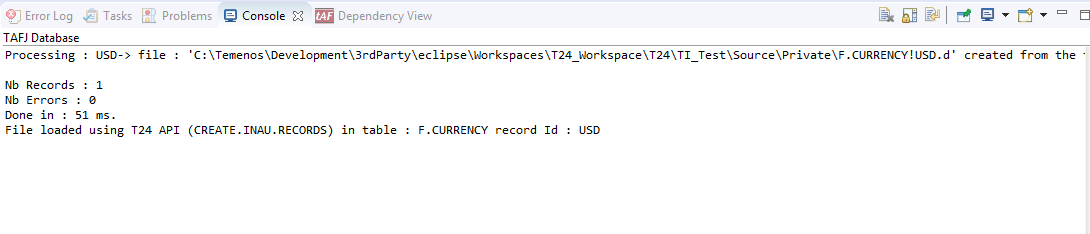
The following output is generated.
In this topic
