Working with TAFJ Plugins
This section shows you how to make a full build (compiling all basic files in your TAFJ_HOME directories) using TAFJ plugins.
Procedure
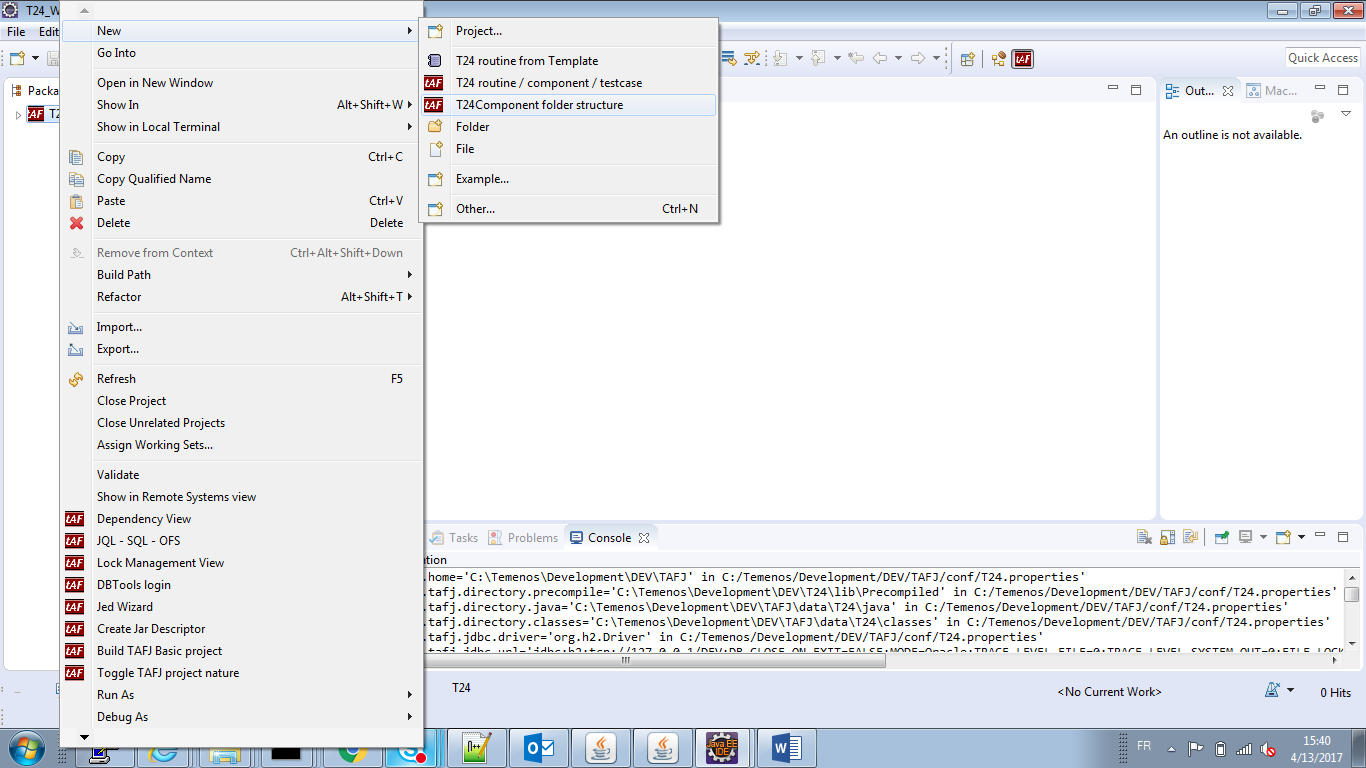
- Right-click the project > New > T24Component folder structure to add a basic folder.

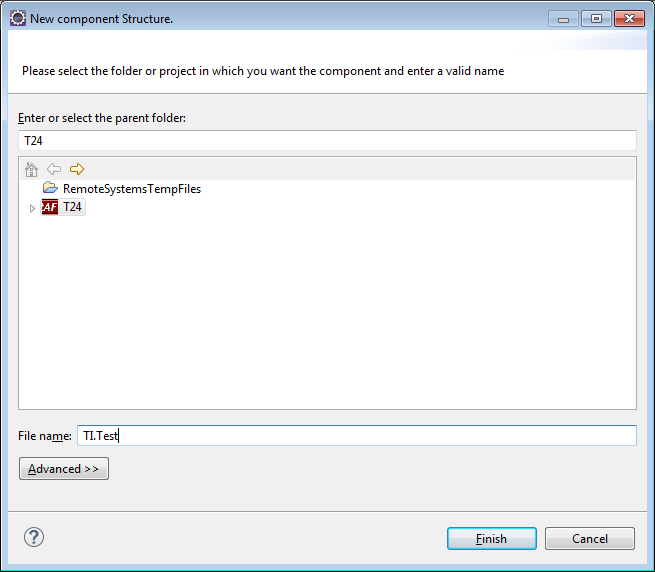
- In the New component Structure wizard, enter a component name in the File name field.

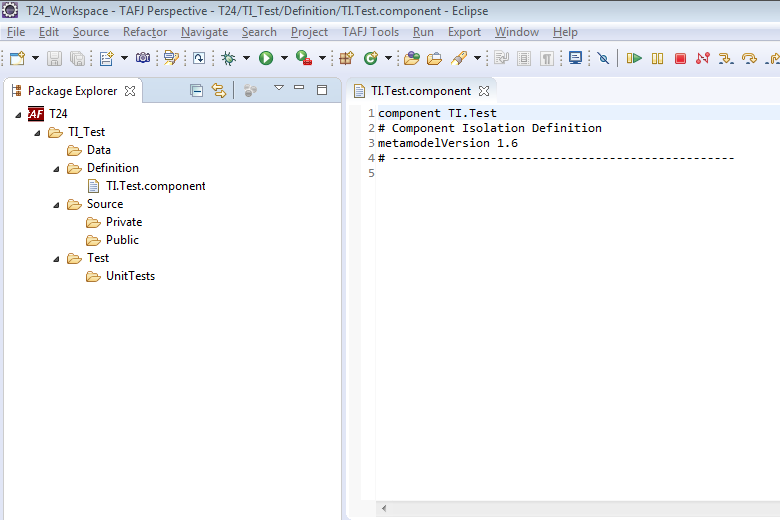
- Click Finish to create a new component folder as shown below.

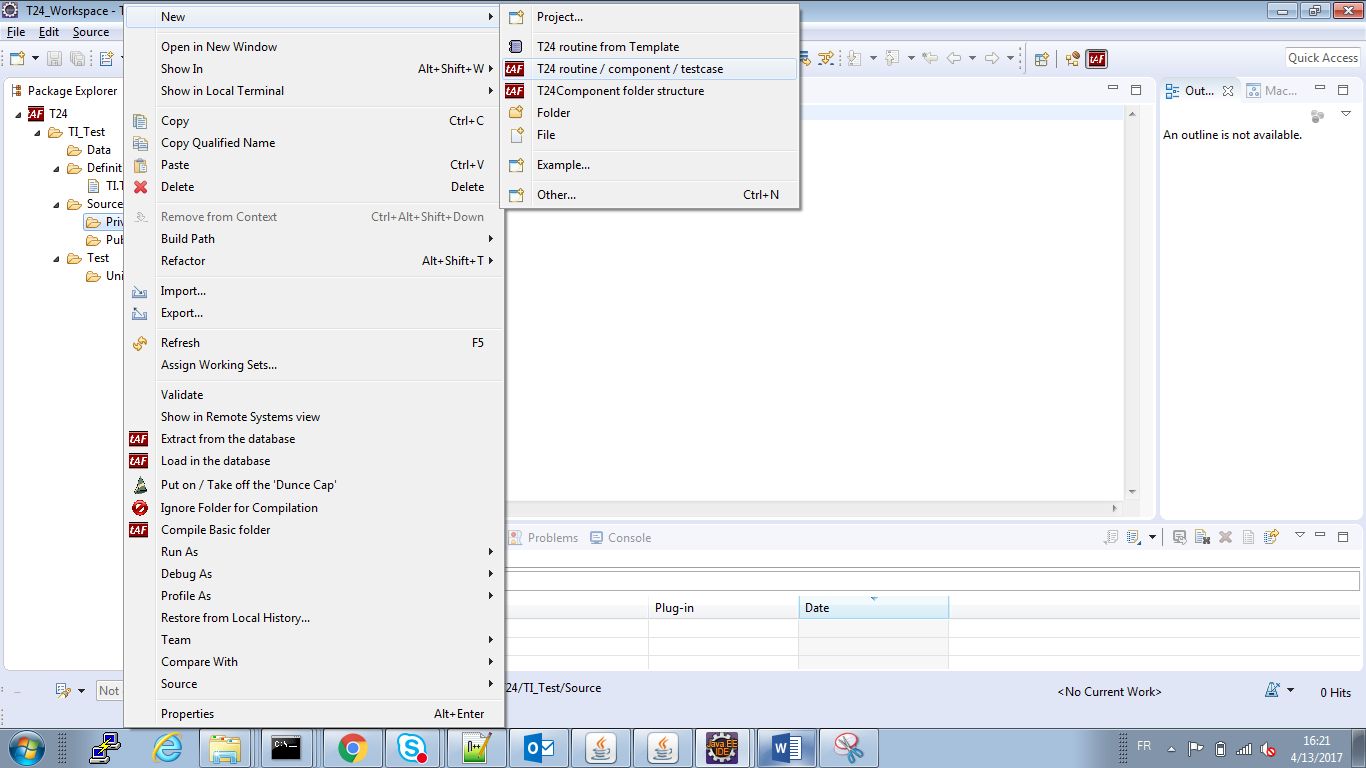
- Right-click the Private folder available in Source and click New > T24 routine / Component / Testcase. This will add subroutines or programs in the folder structure.

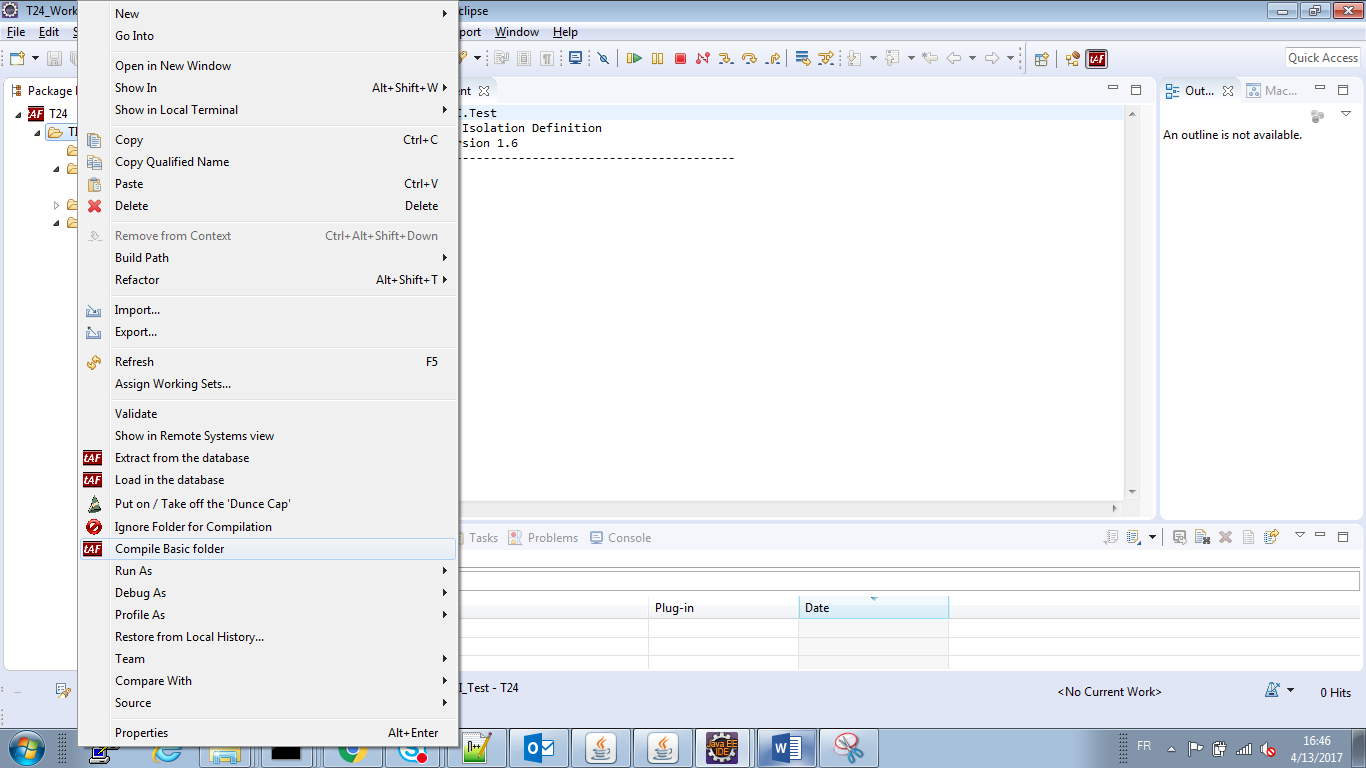
- Right-click the project and click Compile Basic Folder. This will build a basic folder.

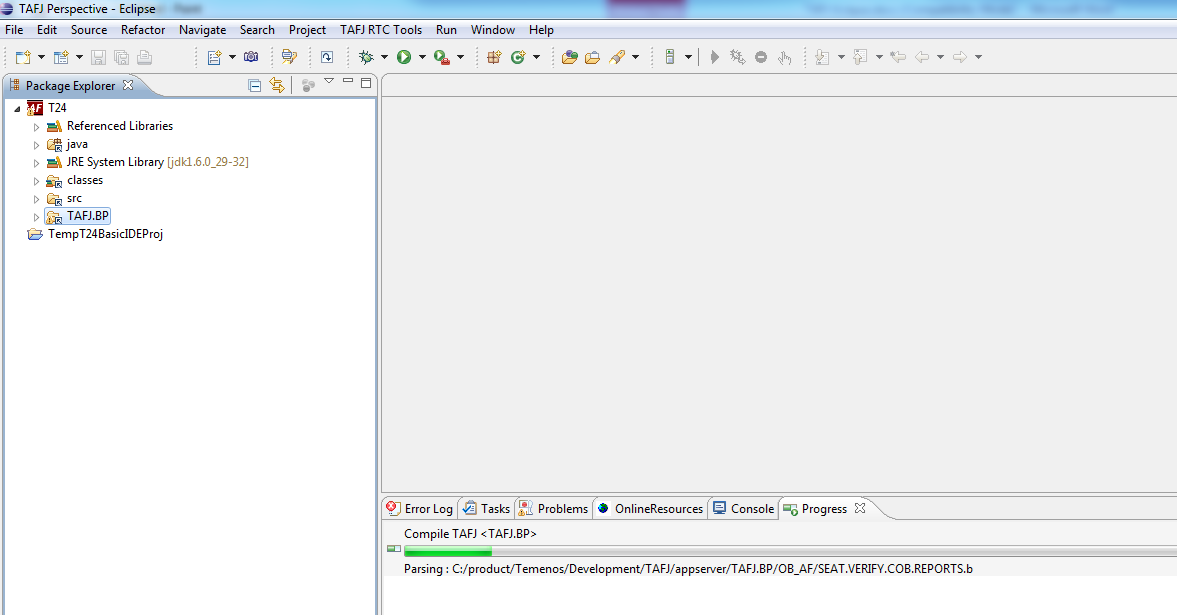
The build starts.

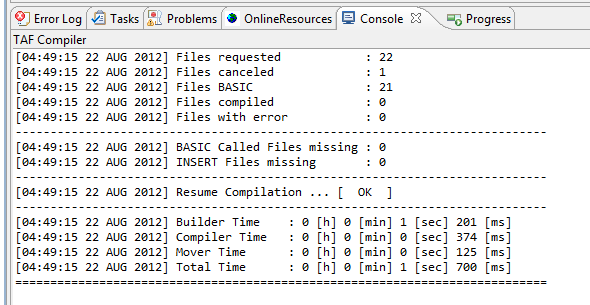
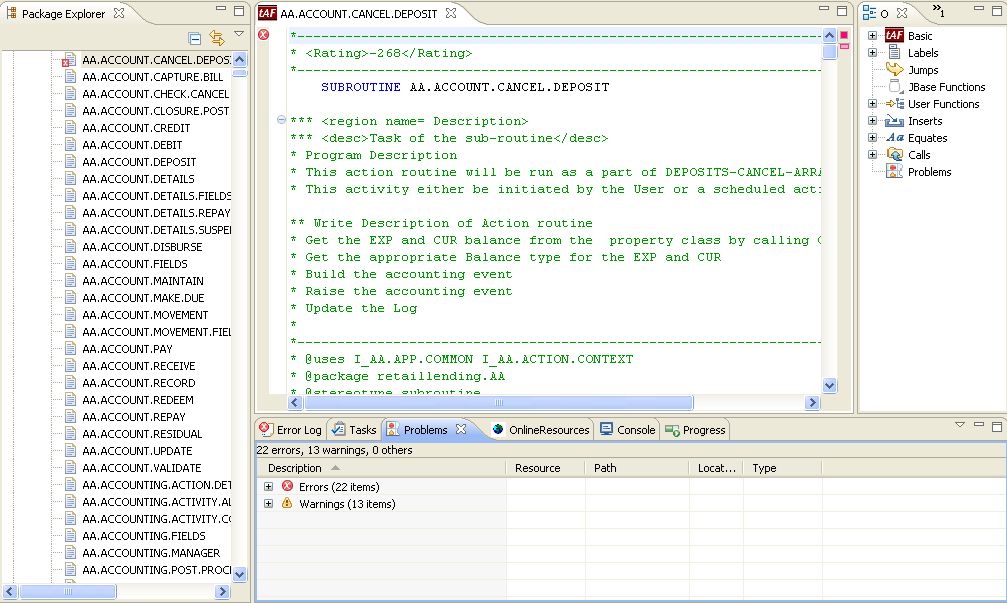
At the end of the process a report in the Console is displayed. The Problem tab shows you the details of the compilation.

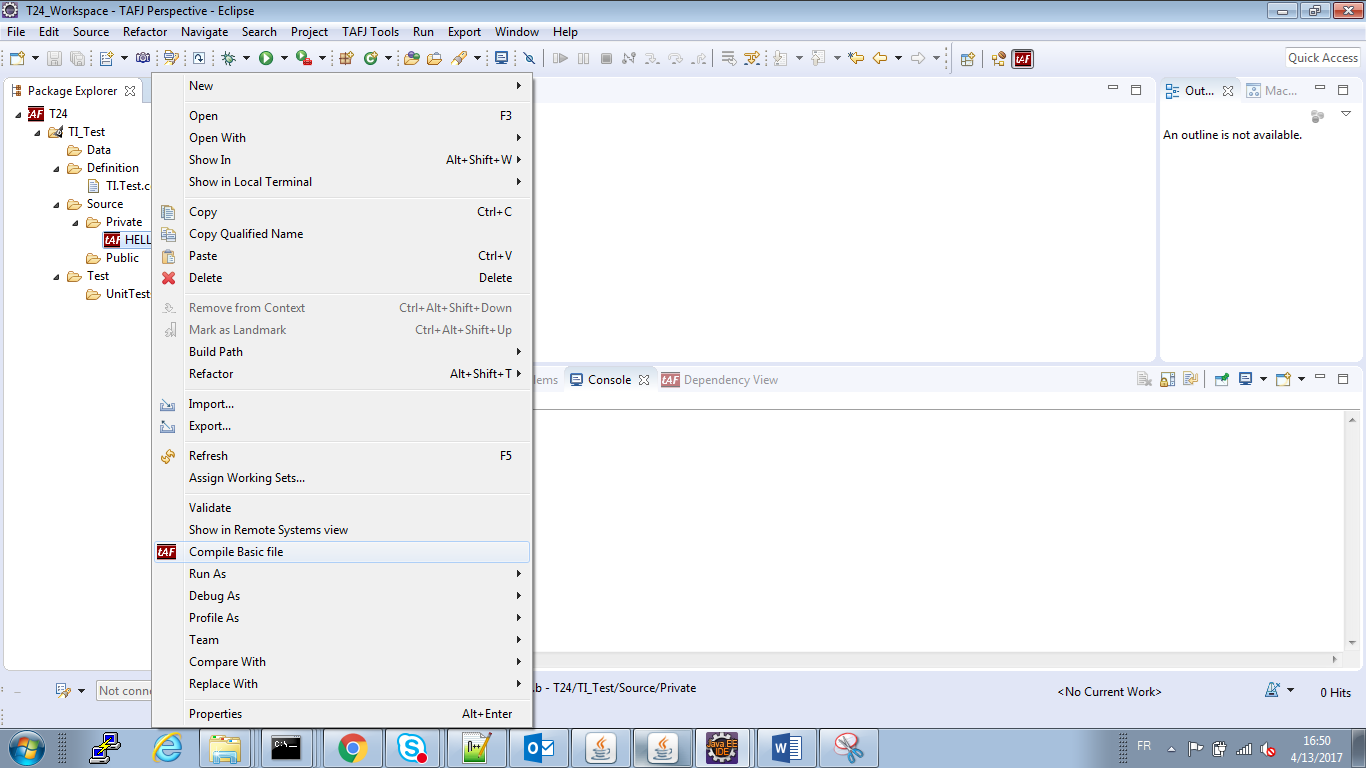
- Optional: Right-click the project and click Compile Basic File to build a basic file.

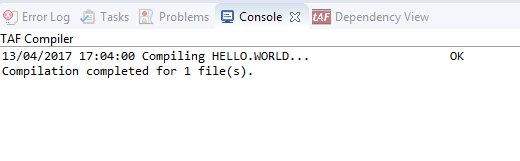
At the end of the process a report in the Console is displayed.
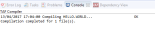
In case of errors, you can view the errors in the Problems tab. Double-clicking an error will open the basic file in the editor.

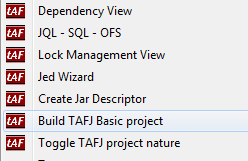
NOTE: For a full build (compiling all basic files in your directories), you need to right-click the project and click Build TAFJ Basic project.
In this topic
