Deploying Generic Configuration in Kubernetes Service
Kubernetes (K8s) service lets you to quickly deploy and manage clusters. This section guides you to deploy Generic Configuration Microservice in the K8 on-premise environment.
Prerequisites
Before deploying Generic Configuraiton Microservice in K8, make sure you have the following software installed in your system.
- Helm should be installed and configured.
- Kubernetes command-line tool kubectl must be installed and configured.
- Verify the below configurations.
Configurations
Purpose
Sample Values
DATABASE_KEY
select either MongoDB or PostgreSQL database
mongodb/postgresql
MONGODB_CONNECTIONURL
Mention MongoDB connection URL
mongodb://mongodb-0.mongodb-svc.mongodb.svc.cluster.local:27017
POSTGRESQL_CONNECTIONURL
Mention Postgre connection URL
jdbc:postgresql://gc-postgresqldb-service.postgresql.svc.cluster.local:5432/genericconfigdb
kafkabootstrapservers
Mention the URL used to connect kafka
my-cluster-kafka-bootstrap.kafka:9092
On-premise Package Details
Generic Configuration Microservice helm package is available as single bundle. This section gives an overview of the helm package.
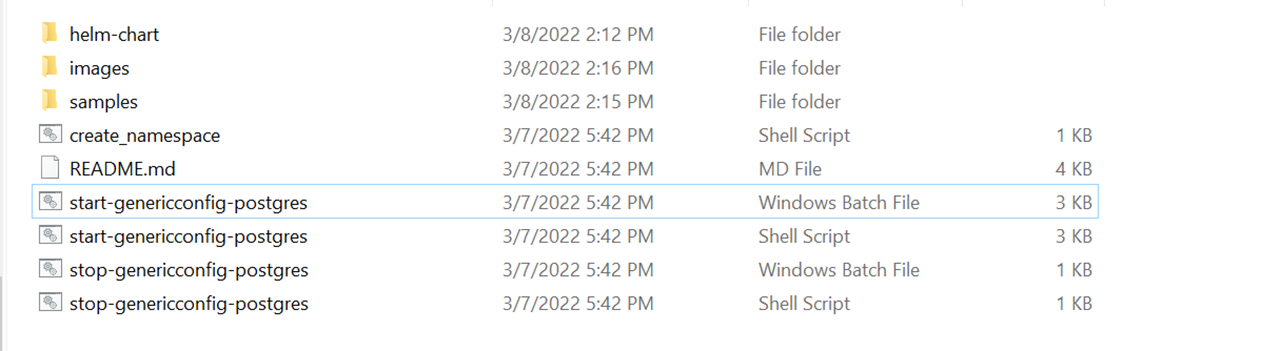
- Unzip genericconfig-helm-sql-pack-xxx. The below screen capture shows the unzipped file.
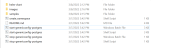
- In genericconfig-helm-sql-pack-XXX\genericconfig\images folder the images are available as shown in the below screen capture.

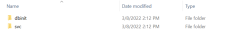
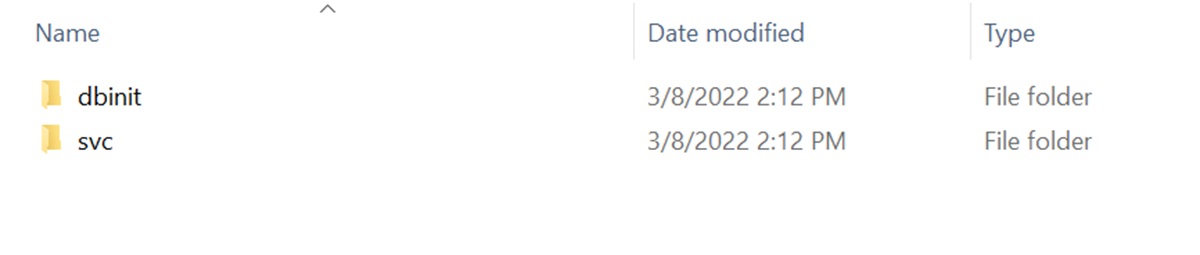
The helm-chart folder contains the dbinit and svc configuration files that are required for Kubernetes on premise.



Deploying Generic Configuration Microservice in Kubernetes On-premise
To deploy Generic Configuration Microservice (MS) in Kubernetes on-premise, follow the steps below:
- Download and unzip genericconfig-helm-postgres-pack-xxx.zip.
Images other than database service are available in genericconfig-helm-postgres-pack-xxx\images.
-
Load all the images available from the folder to Docker container using the docker load --input <imagename> command.
EXAMPLE: docker load --input ms-genericconfig-dbscripts-DEV.tar -
Go to genericconfig-helm-postgres-pack-XXX .
-
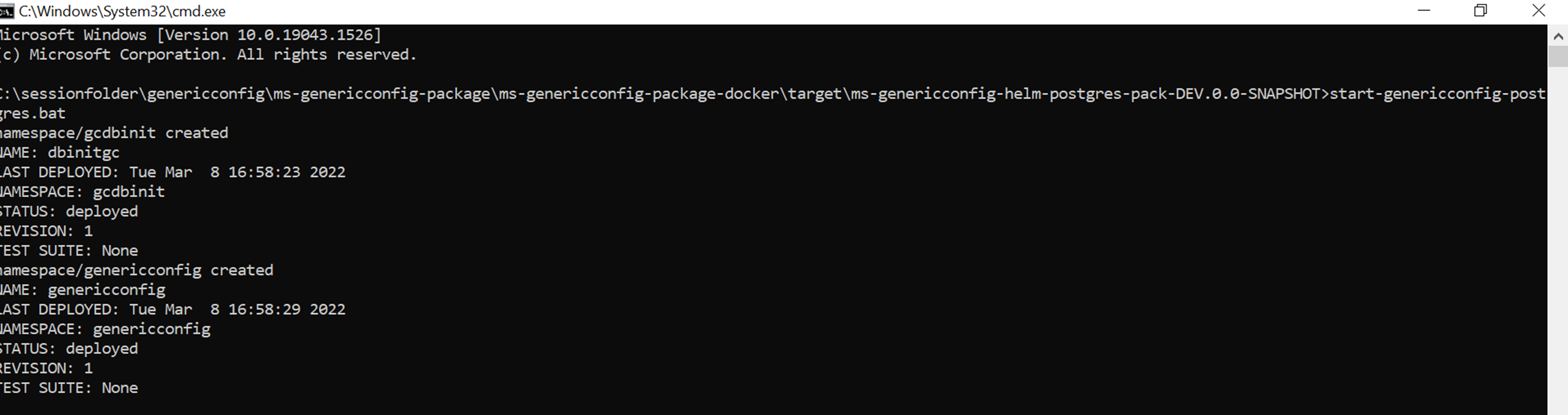
Run start-genericconfig-postgresql.bat/.sh to deploy gcdbinit for the database and genericconfig for other than database services in Kubernetes.
After successful deployment, Generic Configuration MS in Kubernetes appears as shown below.
-
Check if all the Api, Ingester and dbinit pods are in the running status.

The IP address used to test API from the local is generated as External-IP in the genericconfig-api-svc pod. The IP address should be localhost and the port is 7006.



In this topic
