Deployment Instructions
This section describes the deployment and installation of generic configuration microservice in K8 and Azure.
Deploying Microservice in K8
Generic configuration microservice for docker deployment is available as a single release bundle (ms-genericconfig-package-docker-DEV.0.0-SNAPSHOT.zip).
Installing Microservice in K8
To install the generic configuration microservice in docker, perform the following steps.
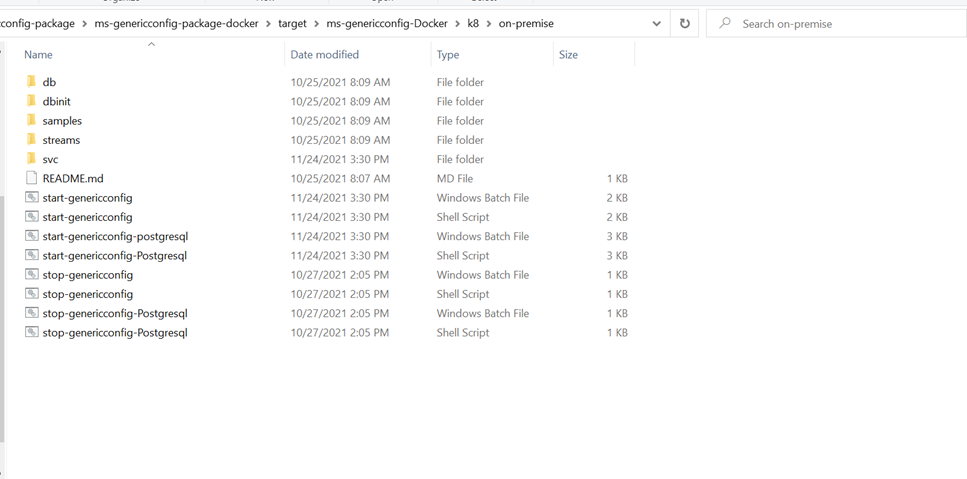
- Extract the zip file (from the target folder) in the installation directory.

-
Open a command prompt in the same folder and execute the following command to make the microservice up and running.
- For Windows: start-genericconfig.bat
- For Linux: start-genericconfig.sh
-
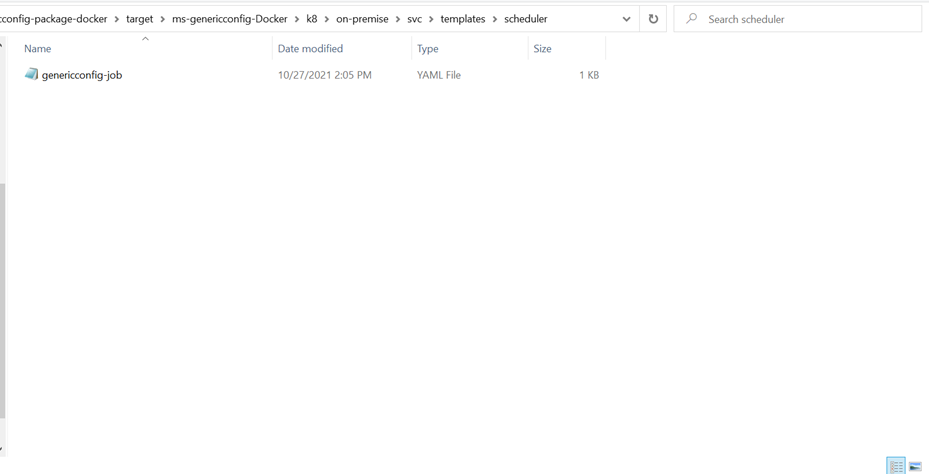
Run the following command to perform bulk cache update.
Kubectl apply -f genericconfig-job -n genericconfig

-
Run the following command to stop and remove the existing container.
- For Windows: stop-genericconfig.bat
- For Linux: stop-genericconfig.sh
Deploying Microservice in Azure
Generic configuration microservice for Azure deployment is available as a single release bundle.
- For mongo: ms-genericconfig-package-azure-mongo-DEV.0.0-SNAPSHOT.zip
- For postgresql: ms-genericconfig-package-azure-postgresql-DEV.0.0-SNAPSHOT.zip
Installing Microservice in Azure
To install the generic configuration microservice in Azure, perform the following steps.
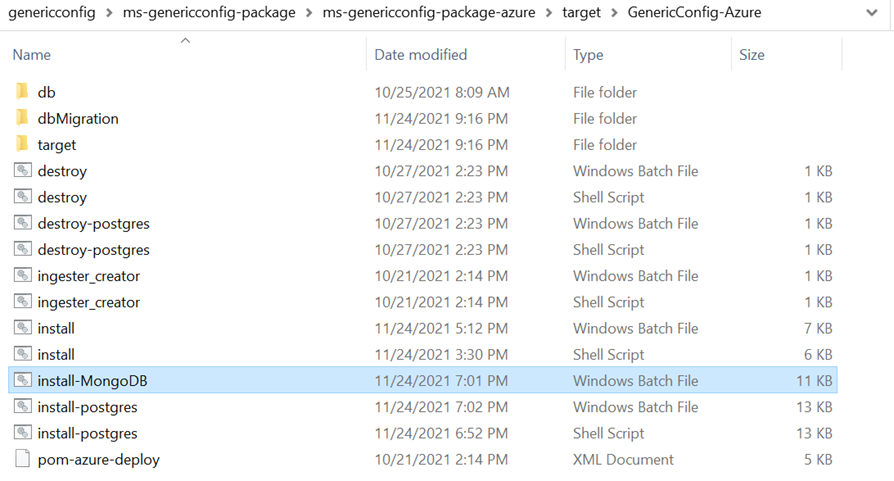
- Copy the generated zip file (from target folder) to the installation directory.

- Execute the install-MongoDB.bat batch file or the install-postgres.sh shell script according to the current environment (Windows batch file, Llinux shell file), to make the microservice up and running.
-
Execute destroy.bat or destroy-postgres.sh script, to stop the microservice from the Azure environment.
In this topic
