Installing Event Store Microservice in Azure
This section helps you to install the Event Store Microservice in Azure.
Procedure:
- Copy the generated zip file (from target folder) to the installation directory.
- Extract the zip file.
- In command prompt, navigate to the installation directory and modify the details such as resourcegroup, location, DB details, etc., in the install.sh/install.bat script specific to the installation.
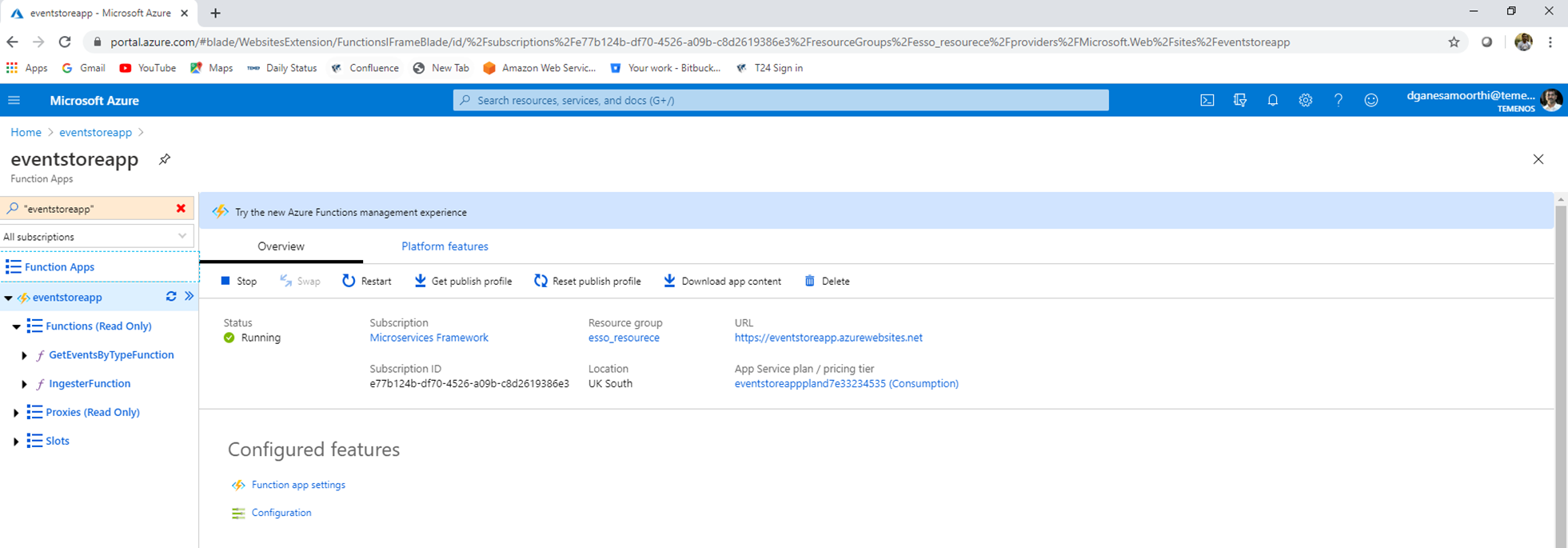
- Execute install.sh or install.bat. Once the installation is completed, the functions are created in Azure.
- Log in to the Azure portal and check the resource group and functions apps are created.

In this topic
