Installing Traceability Microservice in Docker
This section helps you to install the Traceability Microservice in Docker.
Procedure:
- Install Docker engine in your deployment environment (See Docker site).
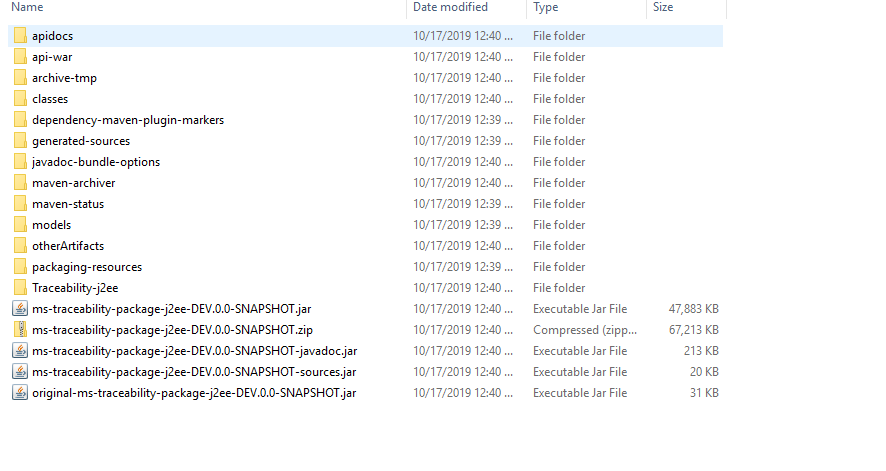
- Copy the generated zip file (from target folder) to the installation directory.
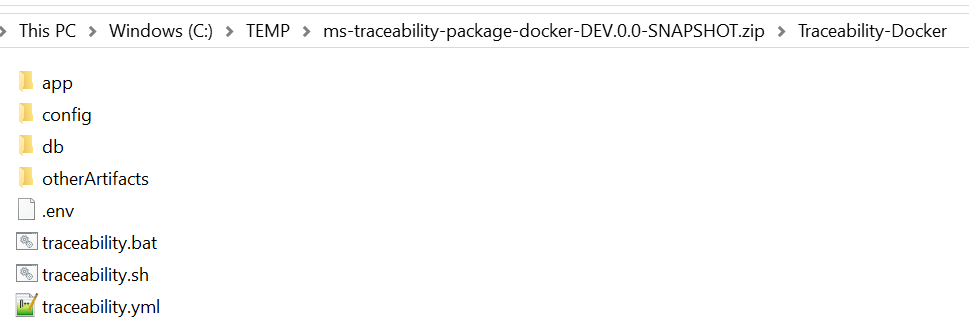
- Extract the zip file.
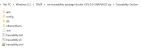
- Open a command prompt in the same location.
- Execute the below command for creating images and docker container for that image.
- For Windows : traceability.bat up --build -d

- For Linux : traceability.sh up --build -d

- For Windows : traceability.bat up --build -d
- Confirm that all below docker instances have started successfully by executing docker ps –a.

- Execute the below command to stop and remove the existing container.
- For Windows : traceability.bat down
- For Linux : traceability.sh down





Post Installation Verification
You can open the home page using the URL: http://localhost:8086/ms-traceability-api/
The Traceability API link is available on the home page, which allows you to open the swagger and it displays all the APIs available in traceability microservice.
Traceability Microservice is an Sql-based microservice and it is available as single release bundle (For example, ms-traceability-package-j2ee-<release no>.zip).
In this topic
